HyperX QuadCast S Review – A Symbol of Excellence
-
Appearance - 9/10
9/10
-
Features - 8/10
8/10
-
Materials - 8/10
8/10
-
Performance - 8.5/10
8.5/10
-
Portability - 6/10
6/10
-
User Experience - 8.5/10
8.5/10
-
Value - 8/10
8/10
Summary
The HyperX QuadCast S is an excellent USB condenser microphone even until today. Its drawbacks are minimal at best and can be easily worked around with.
Overall
8/10Pros
+ Excellent sound
+ Mesmerizing dynamic RGB lighting
+ Built-in pop filter
+ 4 polar patterns
+ USB-C
+ Smart implementation of the mute button
+ Built-in low latency headphone monitoring jack
+ Good price for what you’re getting
Cons
– Ngenuity software has limited use
– No XLR connection option
– Non-removable shock mount affects portability
Unboxing the HyperX QuadCast S
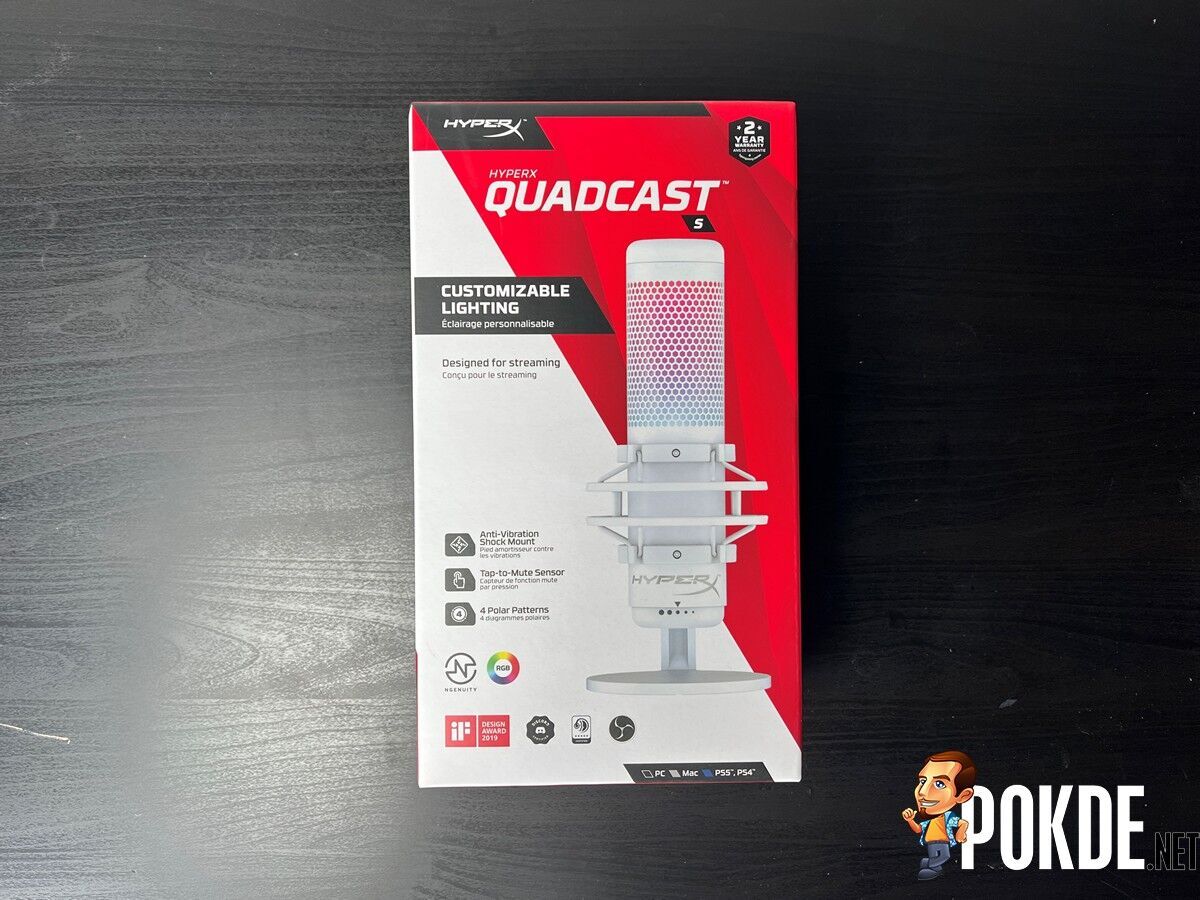
Starting off our HyperX QuadCast S review with the unboxing, the packaging is kind of a tall box, which should give you an idea as to how big the microphone is. It also dons the signature HyperX colour scheme. Inside the box, you can find the following items:
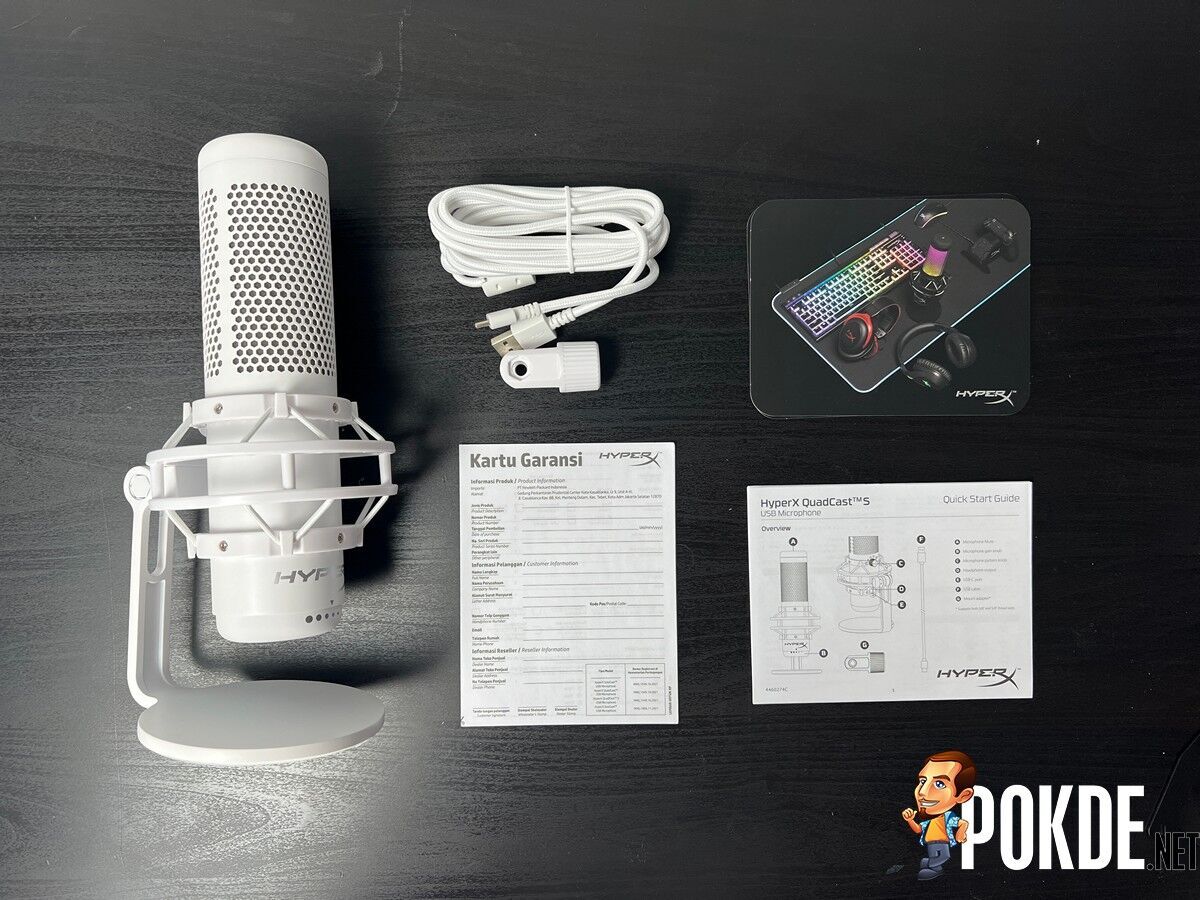
- User guide
- USB-C to USB-A cable
- Microphone stand adapter
- The HyperX QuadCast S microphone itself
Specifications
| Frequency Response | 20Hz to 20KHz |
| Noise (RMS) | ≤-95dBFS (A-weighted) |
| Bitrate | 16-bit |
| Capsules | 3 x 14mm electret condenser capsules |
| Polar Pattern | Stereo, Omnidirectional, Cardioid, Bidirectional |
| Power | 5 V / 245 mA |
| Sensitivity | -36 dB (1 V / Pa at 1 kHz) |
| Sample Rate | 48kHz |
| Impedance | None |
| Headphone | Frequency Response: 20Hz – 20kHz Maximum power output: 7mW T.H.D: ≤ 0.05% (1kHz/0dBFS) SNR: ≥ 90dB (1kHZ, RL=∞) |
| RGB | Yes, 2 zones, 16m colours |
| Connection Type | USB-C, 3.5 headphone output |
| Weight | 254g (mic) 360g (with shock mount) |
Microphone Sound Test
To give you a clear idea of how the HyperX QuadCast S sounds, I recorded a few samples talking directly to the microphone at 100%, 75%, and 50% sensitivity levels (on PC) so you will know what sensitivity you should set for what you want do with it. The distance between my face and the microphone is about 18-20cm apart.
Personally at 100%, it does sound a little bit soft but that can be alleviated with by using the gain dial on the microphone or bringing the microphone a little bit closer to my face. As it is, I do like how clear my voice comes out with no background noise. For context, I had an air conditioner running at full speed right above my head.
This microphone would be a good fit for livestreamers and content creators whether it’s for gaming or music provided you don’t plan on using one microphone to capture a lot of people voices. A smaller room for 2 or 3 people is still doable with the right polar pattern setting but ideally, it’s meant to be used solo with the microphone right in front of the person. Anything better than this and you’d best look into XLR mics instead.
Looking for an affordable wireless gaming headset to go along with this? Check out our HyperX Cloud Core Wireless review by clicking right here.
The Good
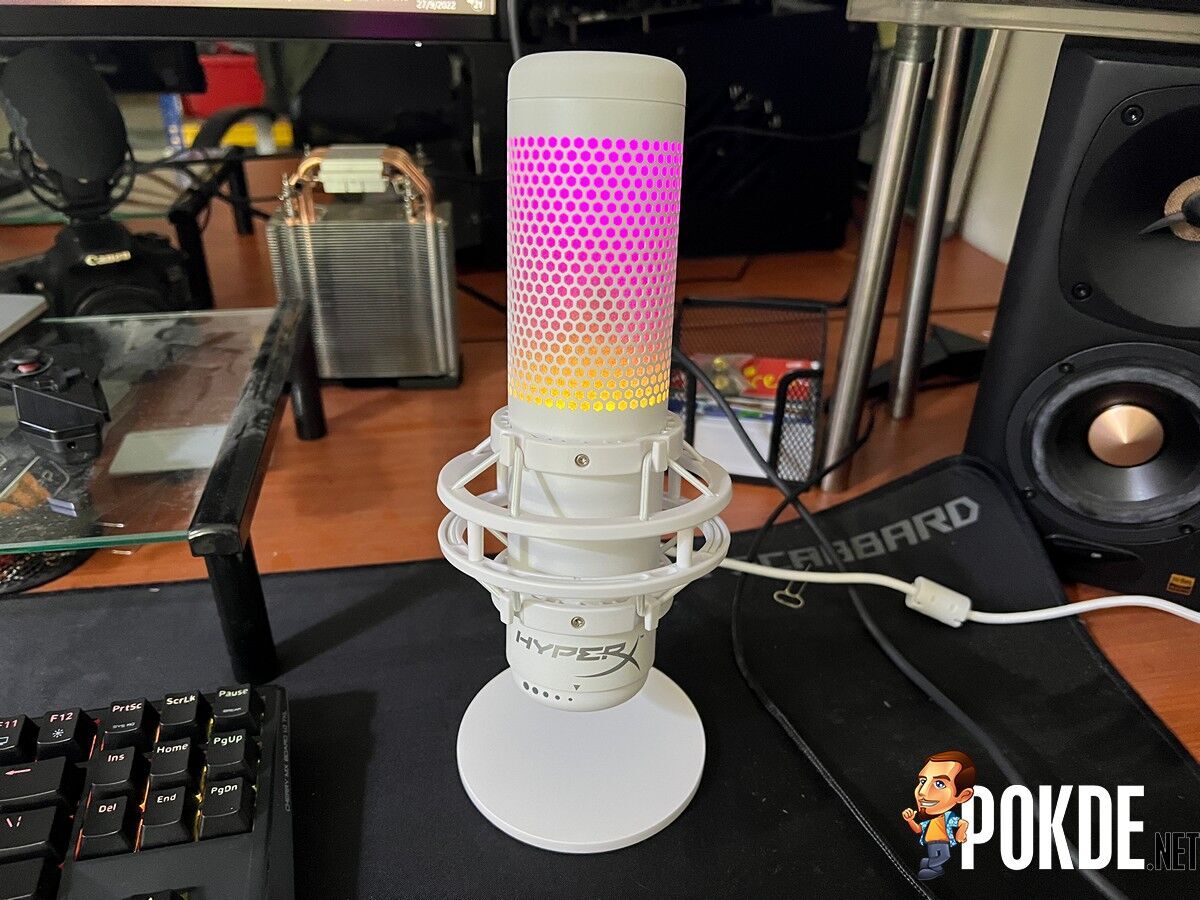
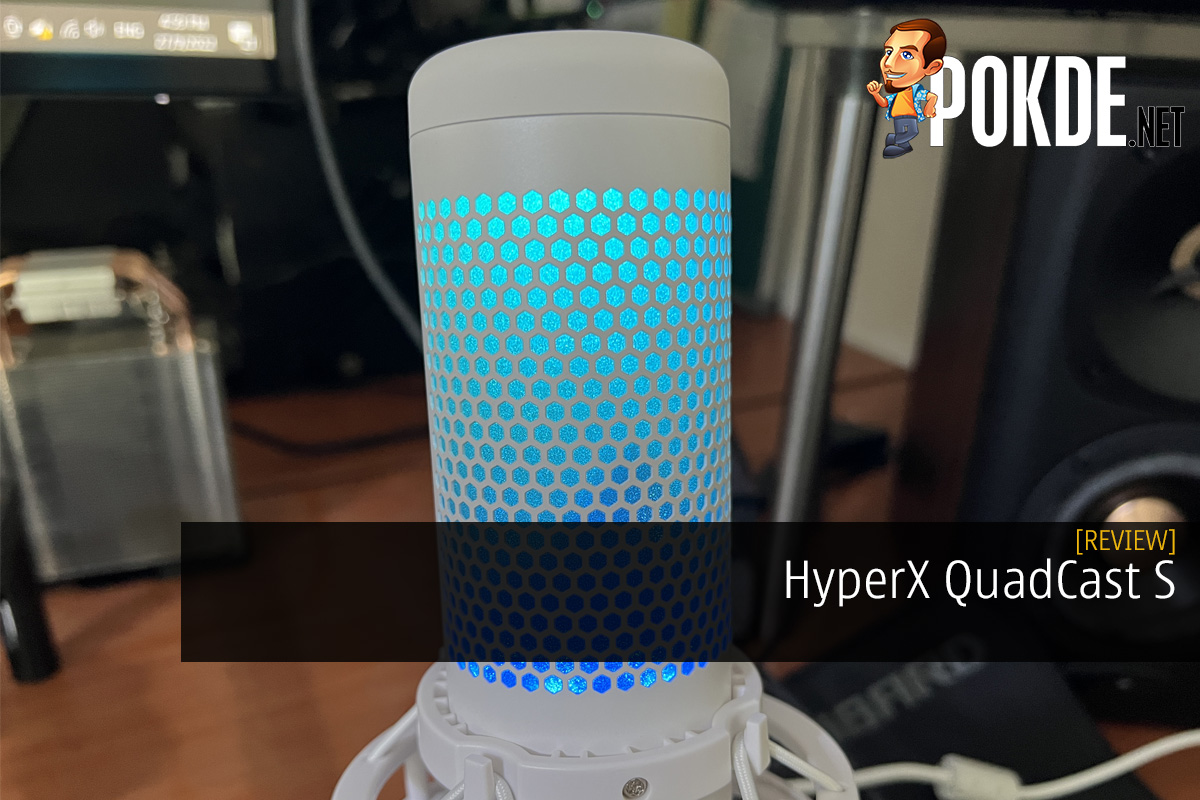
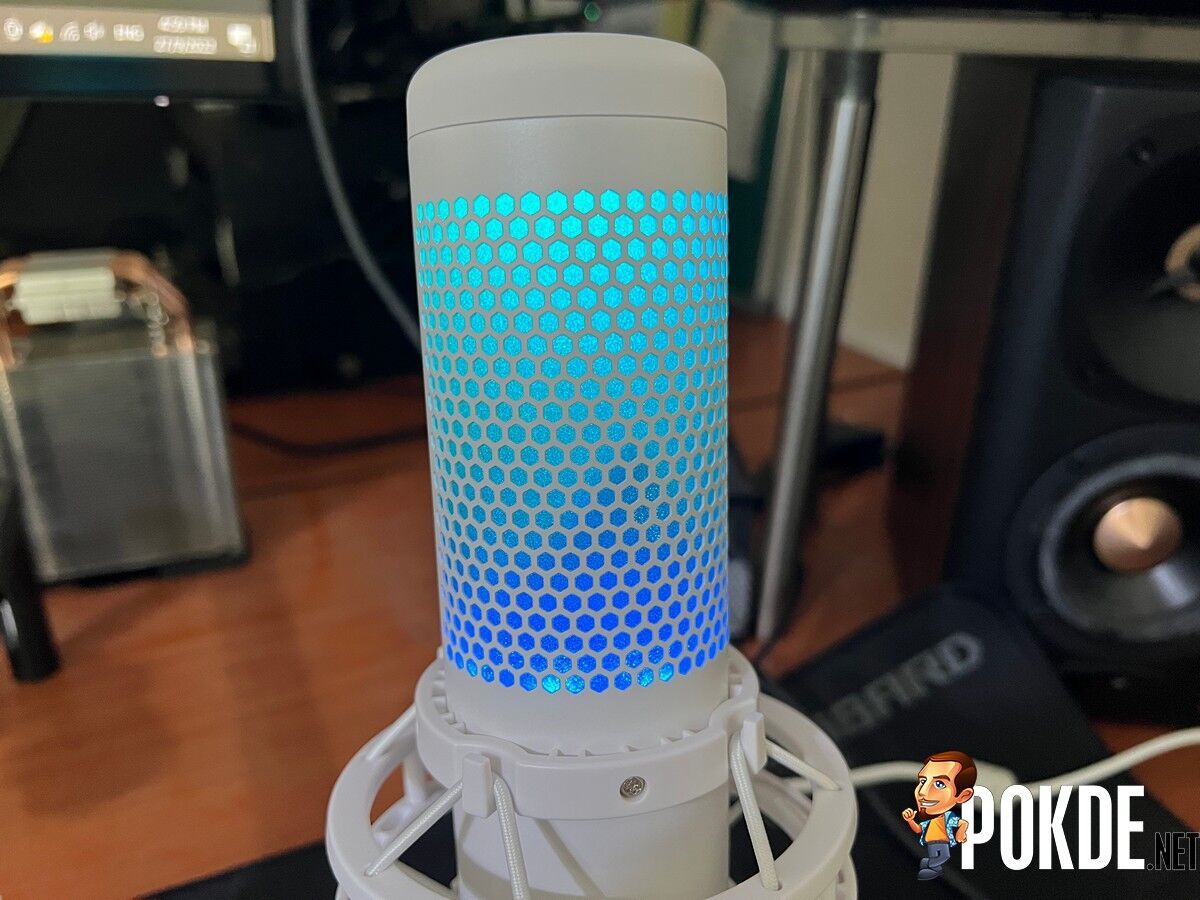
For starters, the best thing about the HyperX QuadCast S is the first thing you would notice as soon as it’s powered up, which is the RGB lighting. This is the kind of thing that would make a perfect spectacle and decor for a livestream or even a YouTube video but if you’re not a content creator, I’m sure you’ll find yourself mesmerized by it from time to time. It’s also an upgrade from the QuadCast as the RGB has a dynamic colour scheme.
In case you’re wondering, the HyperX QuadCast S has a built-in pop filter, which works pretty decent. It does a decent job with plosives (P-sounds, T-sounds, etc.), but it does have a bit of trouble if you’re talking too close to it. Using this without an external pop filter is indeed a viable option, which is a good thing to have.


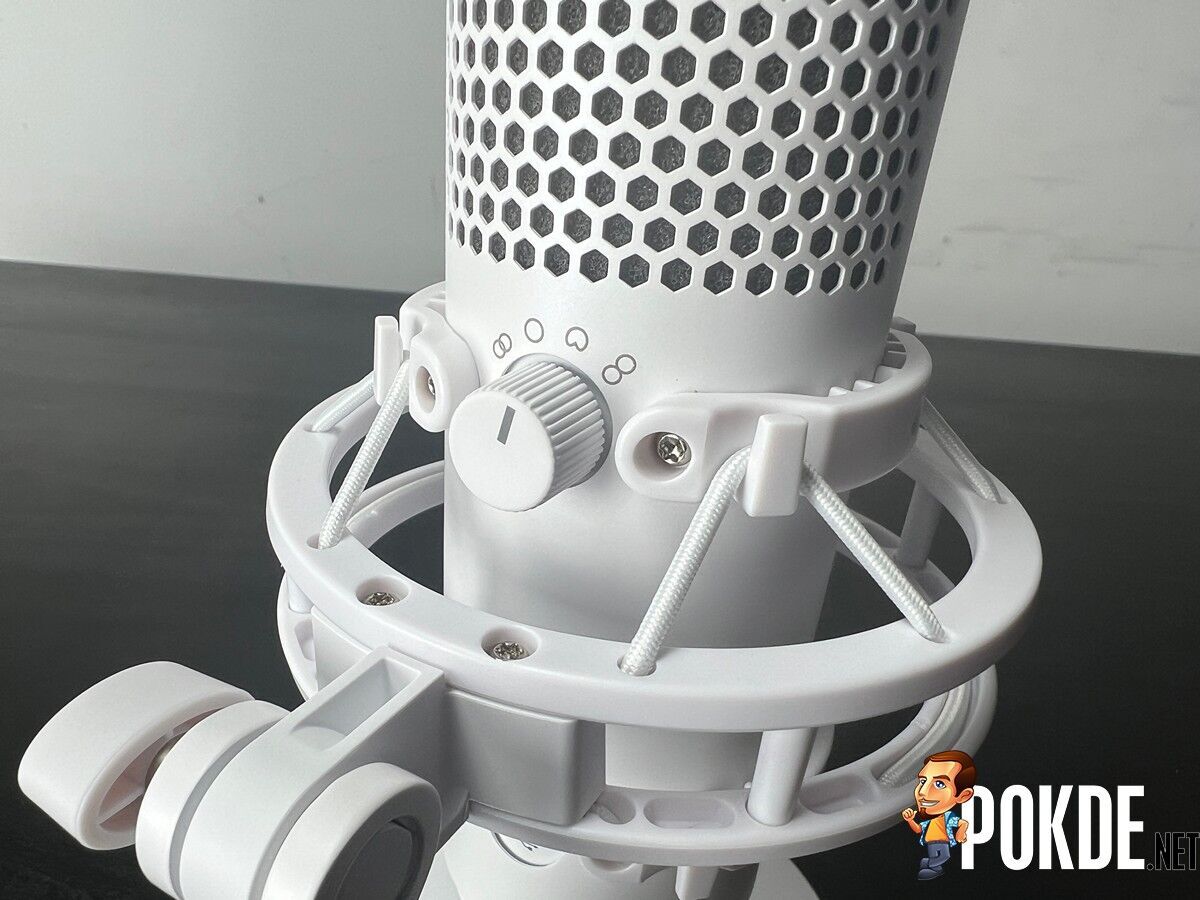
The HyperX QuadCast S is rather versatile as it has a total of four polar patterns for you to use; Stereo, Omnidirectional, Cardioid, and Bidirectional. While most people would stick to Cardioid pattern, if you ever want to record something happening in the room or with multiple people, you can change the pattern to a more fitting one and you’re good to go. Just keep in mind of the limitations I mentioned in the mic test section.
If you’re ever wondering how the microphone sounds like, you can do so quickly with the built-in headphone monitoring jack. Just plug in your 3.5mm headphones / earphones and you’re good to go. It’s also low latency, so you shouldn’t be experience any odd delays while fiddling around with the gain dial to see where you should set it on.
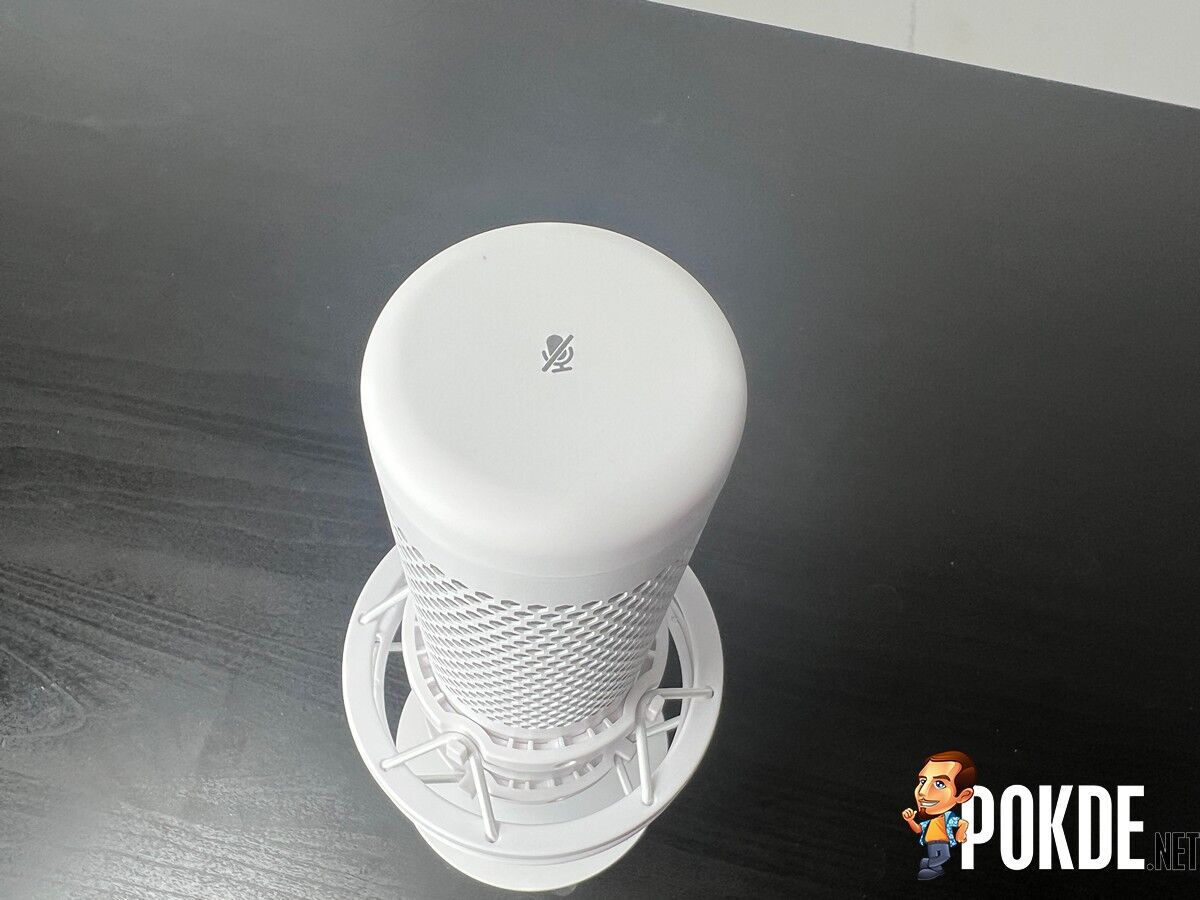
Initially, I was disappointed thinking it didn’t have a mute button but as it turns out, it has a touch-sensitive one on the top. All you have to do is touch it once to mute it, and touch it again to unmute it. You will know if you’re muted if the RGB lighting gets disabled. It’s a smart use of the RGB lighting, which already looks great as is.
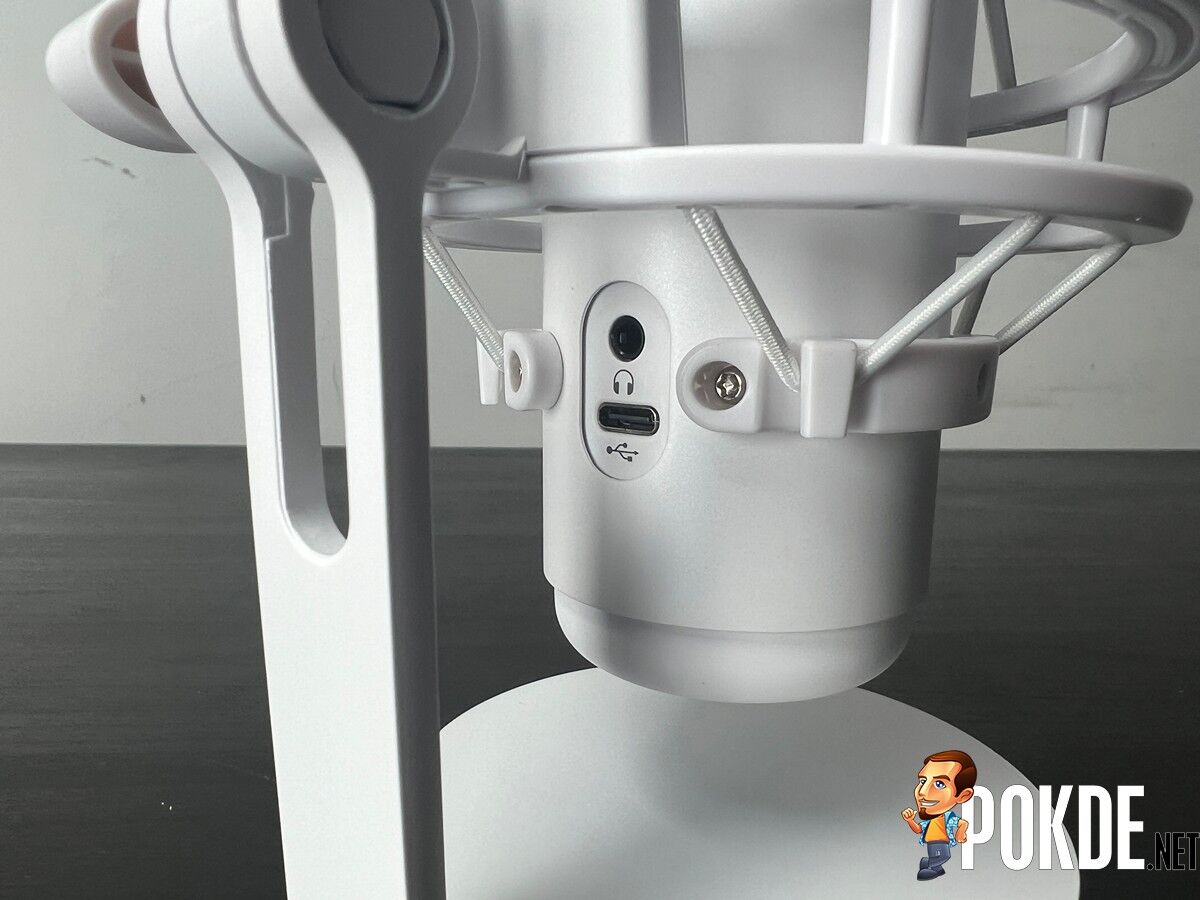
Lastly, the use of USB-C here is great as it’s an upgrade over the mini USB used in the previous QuadCast and you can easily swap it out for another USB-C cable if it ever dies out on you since so many gadgets are using the same standard. In my experience with USB microphones, microUSB is the most problematic, and that is the biggest pain to replace in today’s world since it has been succeeded by USB-C.
The Bad
The first drawback of the HyperX QuadCast S is the Ngenuity software. Practically speaking, it’s only really ever used for customizing the RGB lighting and nothing more and it doesn’t really have options to adjust the audio, such as using a high-pass / low-pass filter, voice effects, and more. On the plus side, this also means that you can make do with it without a software as it does work as a plug-and-play microphone.
Unlike some of its competitors, this one doesn’t have XLR connection des. This will limit its use if you ever come to a point where you need something more, like more controls among other things when used with a mixer. It’s a shame too since it limits the potential of the mic given how great it is as is.
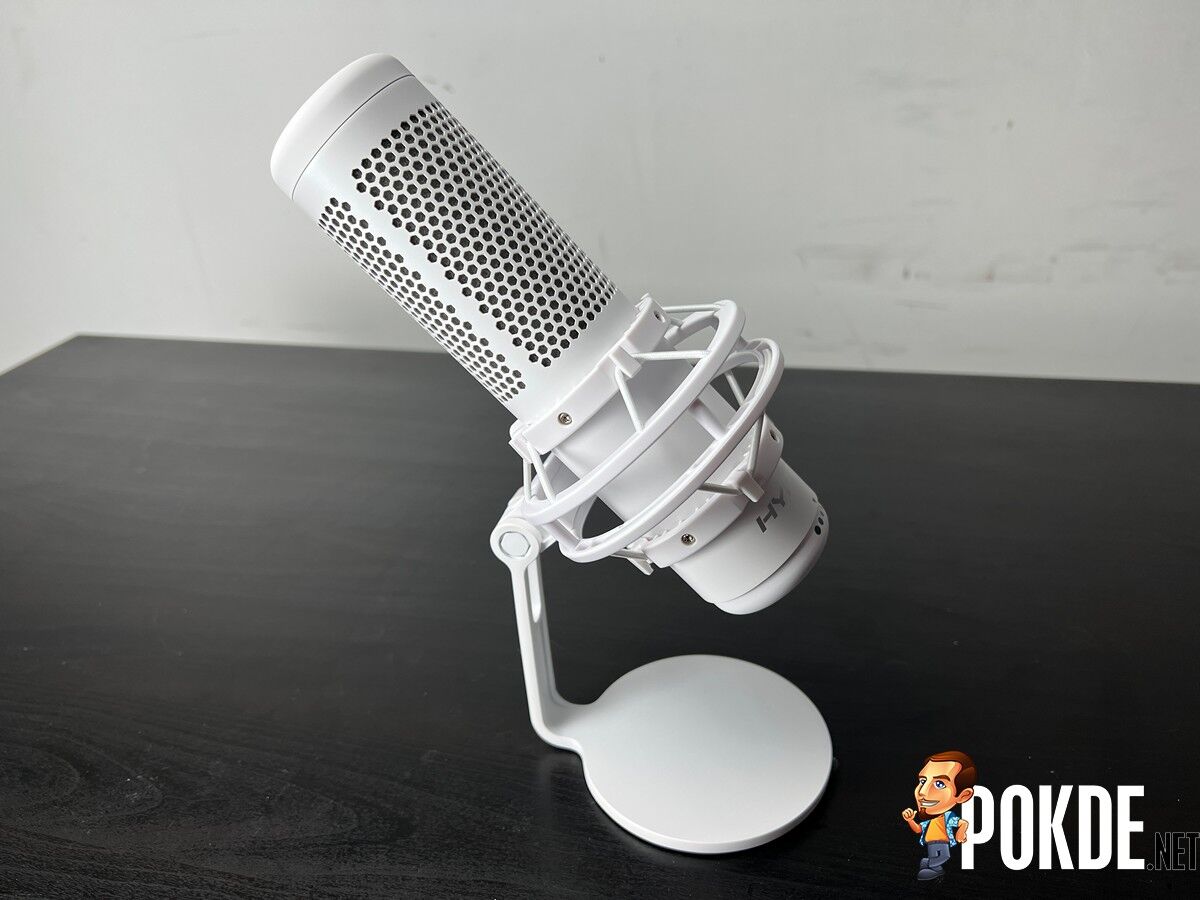
The next drawback may not come as an issue for a number of users but it’s worth pointing out anyway, which is the non-removable shock mount. It works fine as is for its intended purpose but if you ever wanted to bring it out, it’s rather cumbersome as a result. This isn’t to be confused with the inability to use with microphone stands, assuming you don’t want it sitting on the table, as it does come with an adapter for it.
HyperX QuadCast S Verdict
The HyperX QuadCast S is an excellent USB condenser microphone even until today. Its drawbacks are minimal at best and can be easily worked around with. It’s just a matter of whether you need a condenser or dynamic mic, if you need something more portable, or if you need that XLR upgrade potential.
With a price tag of RM659, it’s easy enough to look past those issues given that you’re getting a microphone that certainly looks just as good as it sounds. At the end of our HyperX QuadCast S review, I award this USB condenser microphone with our coveted Gold Pokdeward.

Big thanks to HyperX for sending us this microphone for the purpose of this review.