


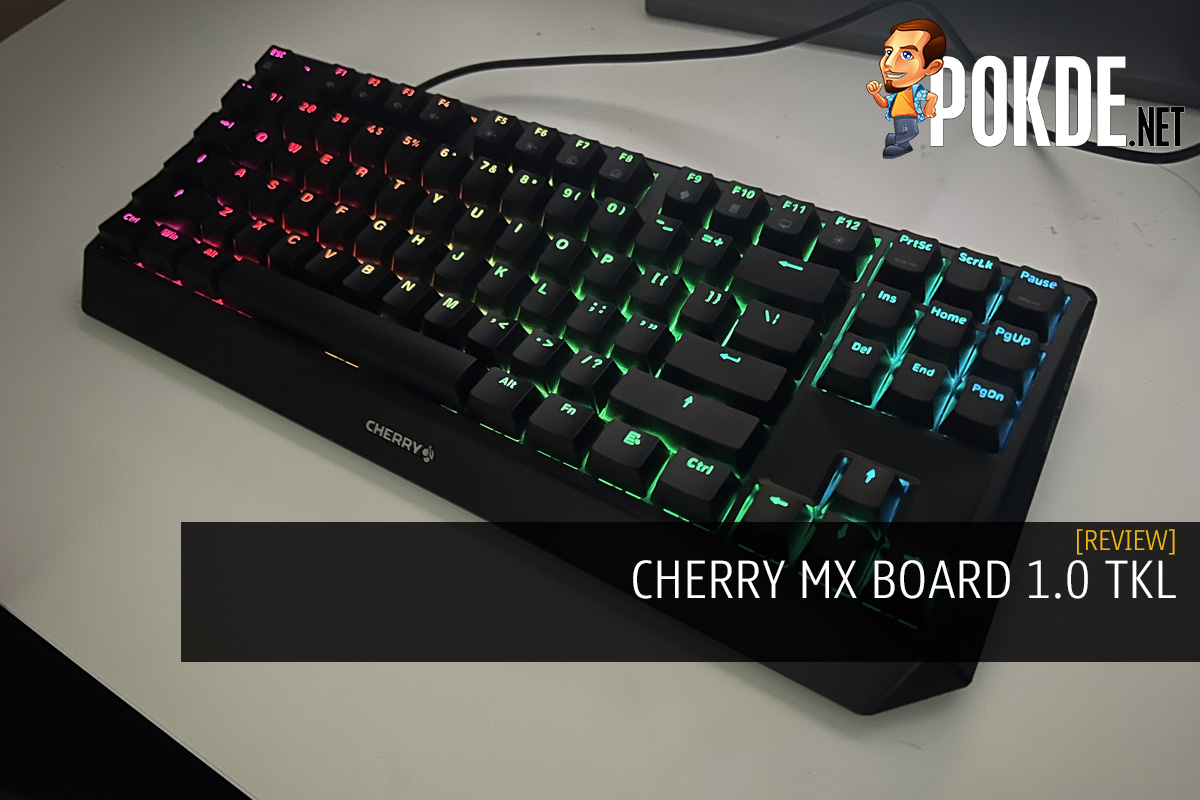
CHERRY MX BOARD 1.0 TKL Review – Simple and Valuable
-
Appearance - 7.5/10
7.5/10
-
Features - 7/10
7/10
-
Materials - 7.5/10
7.5/10
-
Performance - 8/10
8/10
-
Portability - 7/10
7/10
-
User Experience - 8/10
8/10
-
Value - 8/10
8/10
Summary
If you’re looking for a simple mechanical keyboard that works, the CHERRY MX BOARD 1.0 TKL can do exactly that and save some desk space while you’re at it.
Overall
7.6/10Pros
+ Fast, less tiring, and comfortable typing experience
+ Surprisingly sturdy build
+ Clever feet and rubber mouse feet implementation
+ Plug and play with full functionalities
+ Full NKRO
+ Affordably priced
Cons
– Rather noisy
– No dedicated media control keys
– RGB backlighting is rather dim
– Lacking in fancy features compared to its competition
Unboxing the CHERRY MX BOARD 1.0 TKL
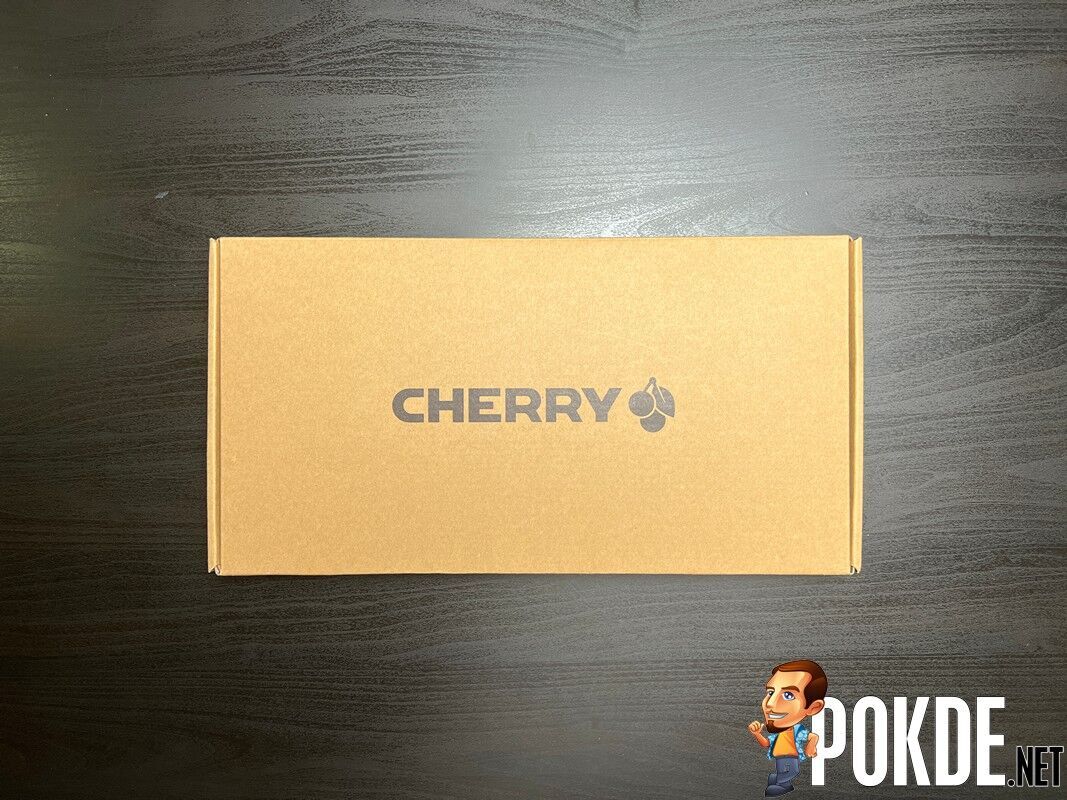
Kicking off our CHERRY MX BOARD 1.0 TKL review with the unboxing, the box is a plain brown cardboard-looking one with the CHERRY logo on it. It is worth noting that it is eco-friendly, so that’s always a great step. Inside the box, you can find the following items:
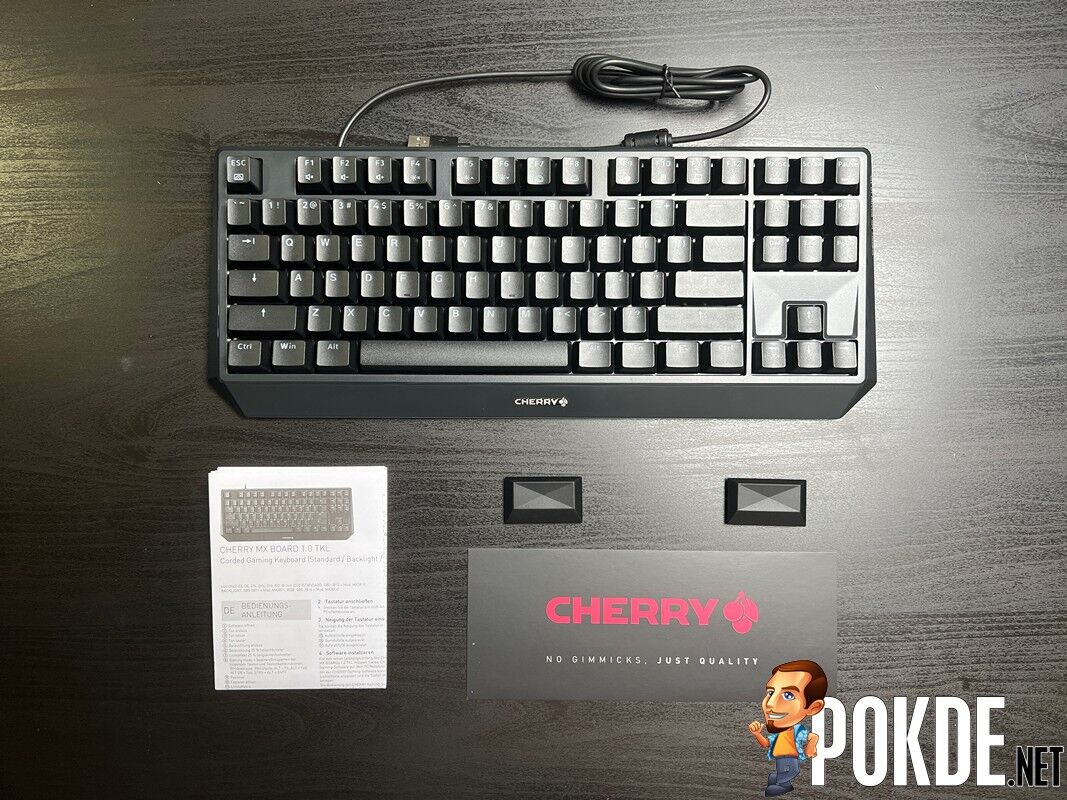
- Thank you card from CHERRY Malaysia
- Rubber feet
- User guide
- The CHERRY MX BOARD 1.0 TKL itself
Specifications
| Body material | ABS plastic with steel plate |
| Keycap | Laser-etched ABS keycaps |
| Connectivity | USB (1.8m cable) |
| Switch type | Cherry MX Red Cherry MX Brown Cherry MX Blue |
| KRO | NKRO |
| Anti-ghosting | Yes |
| Microprocessor | N/A |
| Dimensions | 470 x 165 x 25 mm |
| Weight | 730g |
Performance
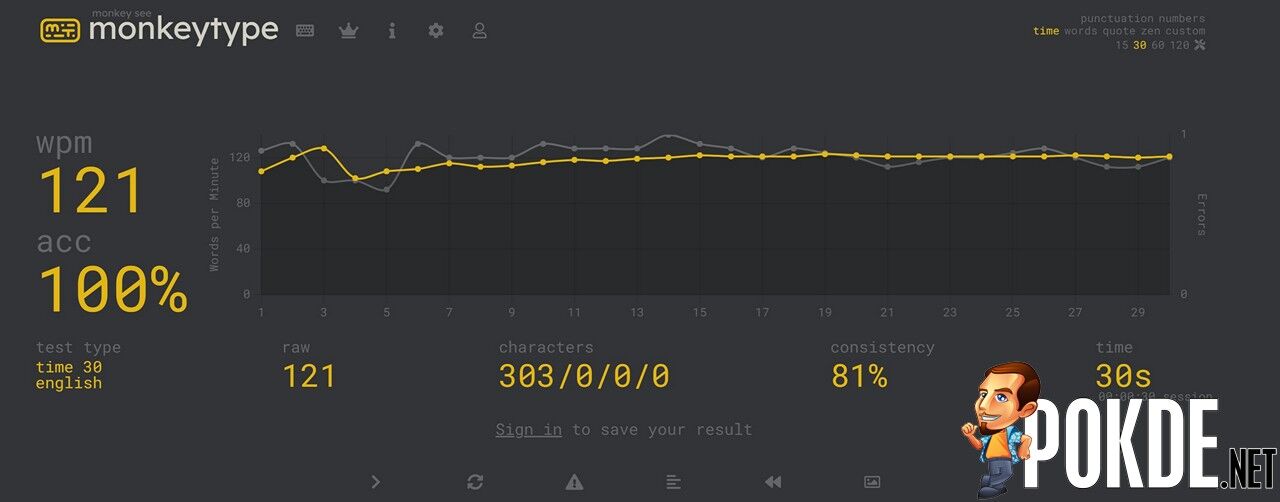
Right out of the box, I got my full typing speed on the CHERRY MX BOARD 1.0 TKL. It’s easy to adapt to since it’s just your standard TKL format with nothing odd in terms of key placements. If you’re used to other desktop keyboards, you should have no trouble adapting to this but coming from smaller ones like 60% or 65% might take a bit of time to get used to.
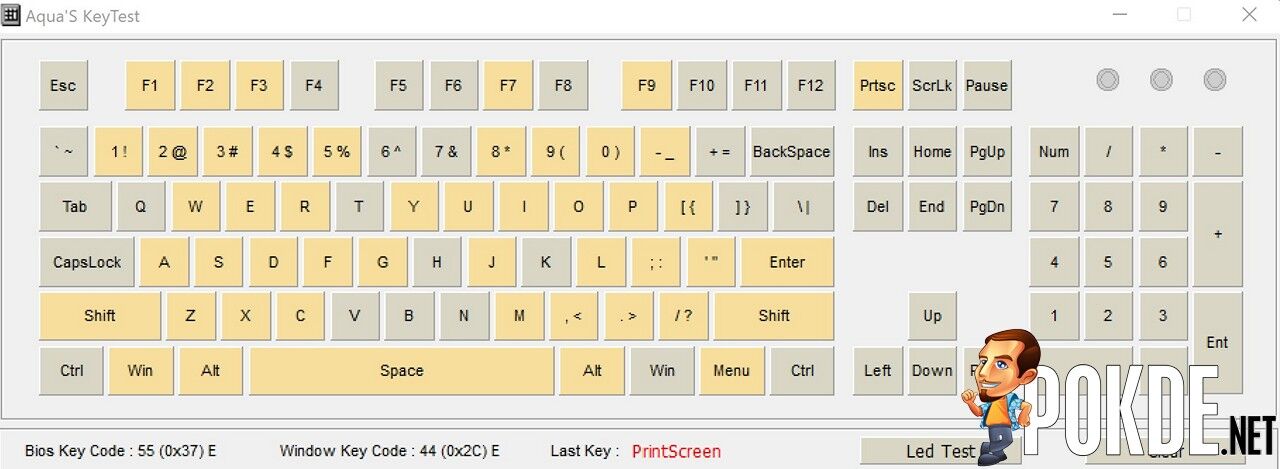
Putting the NKRO claim to the test, I managed to get about 45 keys registered at once, which is certainly more than enough for most people. I mean, I foresee people need 10 at most given that’s the amount of fingers most people have but in case you need more for whatever reason, this should be plenty.
The Good
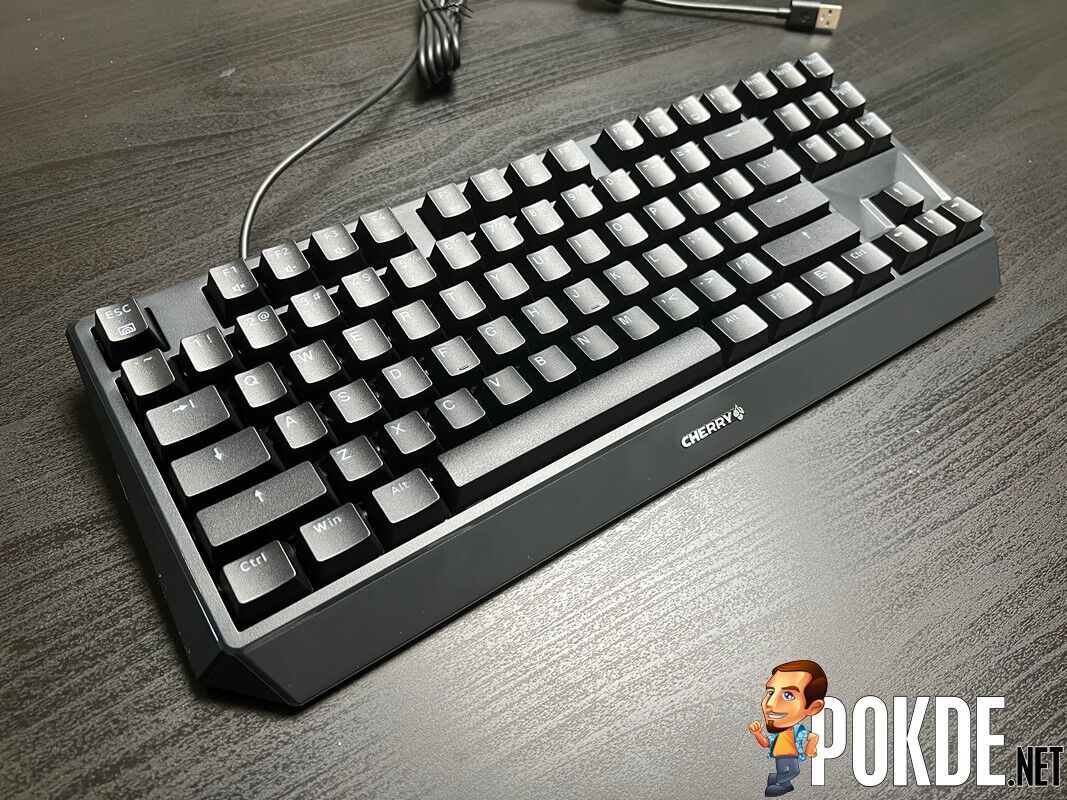
The CHERRY MX BOARD 1.0 TKL is some of the most comfortable mechanical keyboards I’ve used thus far. Travel distance is adequate and it’s easy to type without bottoming out. This is especially useful if you go for the Red switches and wanting a fast yet less tiring experience, whether it’s for typing or gaming.
Speaking of which, the mostly-plastic build of this keyboard is surprisingly sturdy. I expected it to be on the more fragile side but it’s relatively well built. There are no flexing, bends, or odd movements while typing on it as the keyboard is still securely positioned on the table even when I’m purposely pressing down hard.
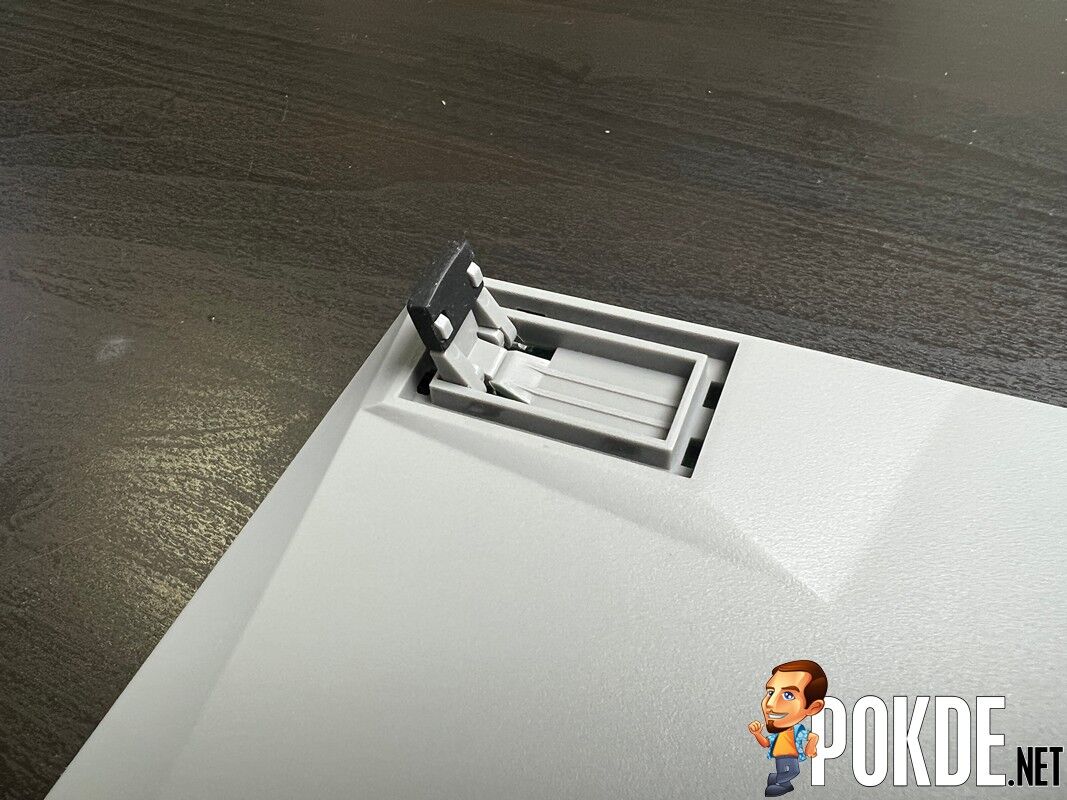
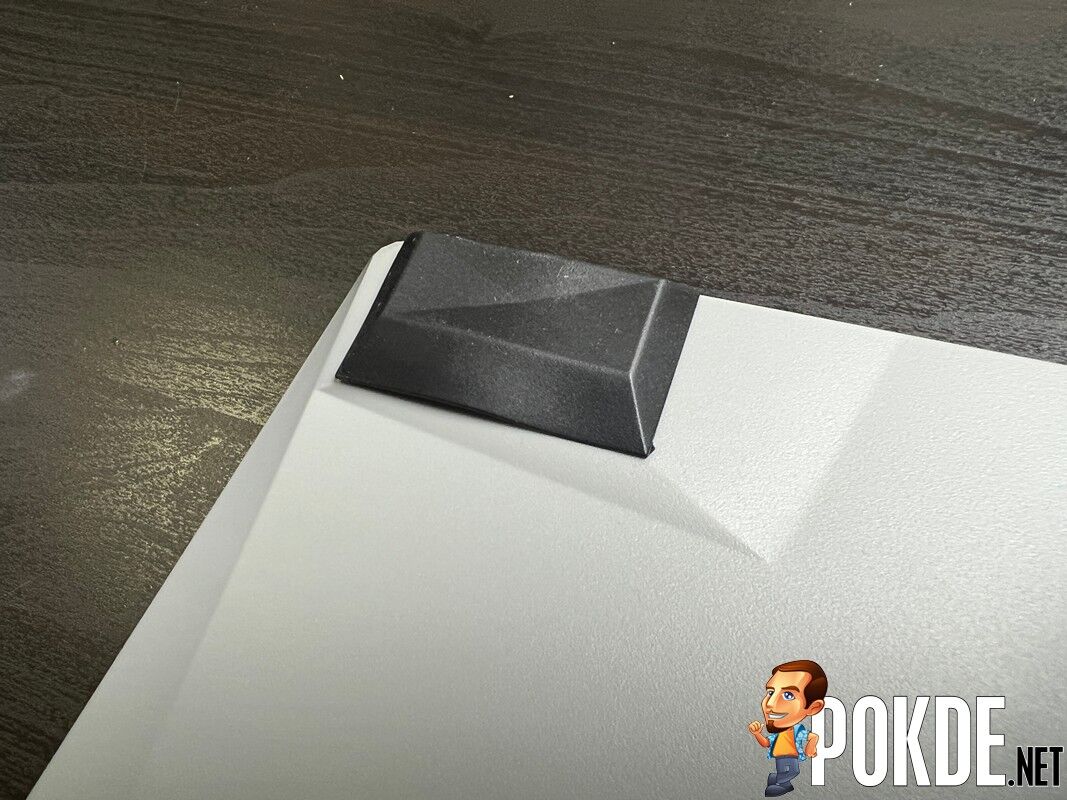
Another plus point is the feet, which only has two settings; flat and standing. However, if either of them doesn’t fit your taste, you can attach the included rubber feet on it for a height that is somewhere in between the aforementioned two. Personally, this is the perfect height for me but your mileage may vary but either way, I feel like it’s a smart way of going about this.



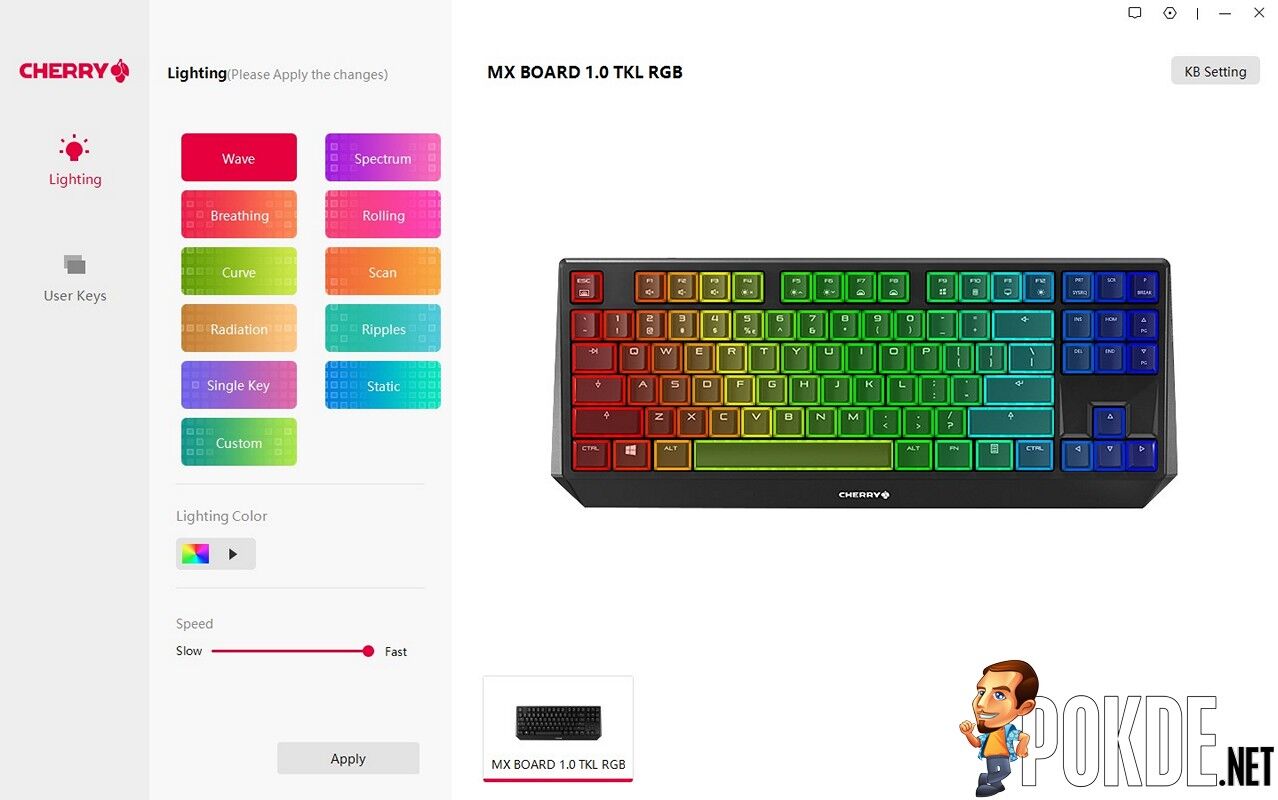
While there is a utility software for this keyboard, I personally love the fact that it’s plug and play. You can freely make use of the keyboard and the shortcuts with the Fn key, so if you’re particular about having too many things installed in your PC, this will certainly please you.
The Bad
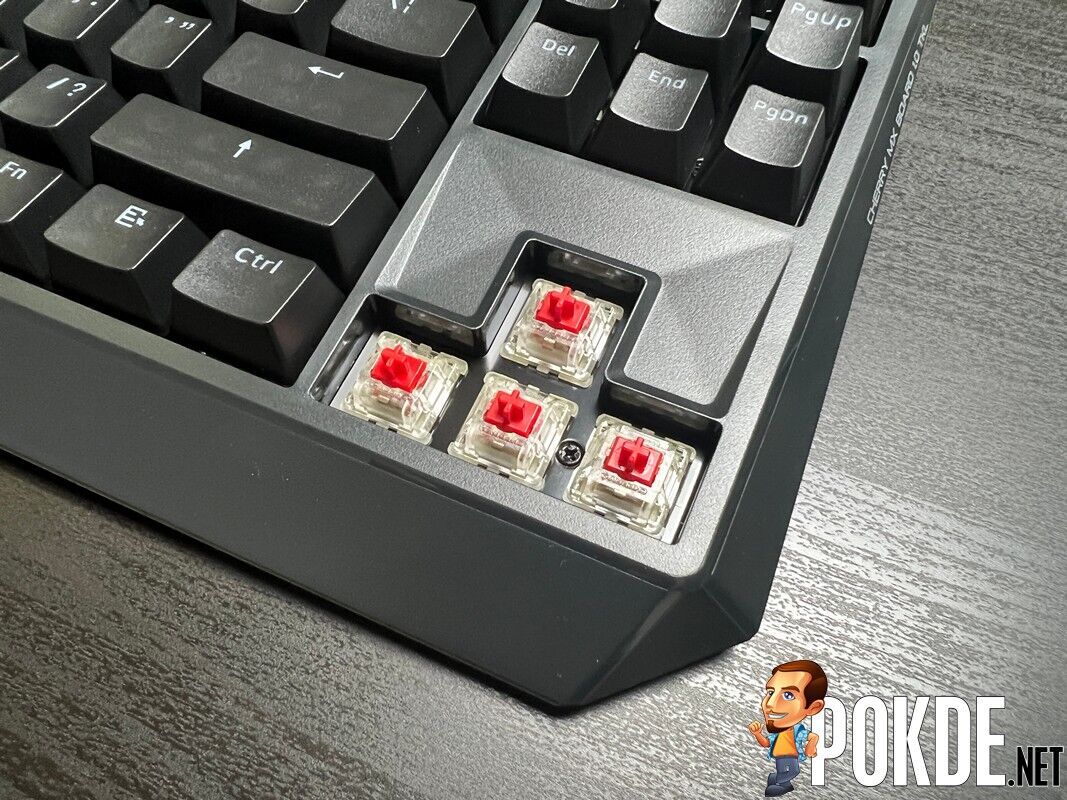
As good as the CHERRY MX Board 1.0 TKL may sound, it has its drawbacks. For starters, the all-plastic build, while still sturdy, is rather noisy. It’s louder than most other keyboards that I’ve used with the same Red switches. One can only imagine what sort of hell it would be with the clicky Blue switches.
Next up, it doesn’t have dedicated media control keys. Sure, you can make do with the Fn key combinations but you can’t deny the sheer convenience that dedicated media controls bring to the table. I feel like they could make the keyboard a little wider to accommodate it and still keep it compact, but I wouldn’t go as far as calling it a dealbreaker.
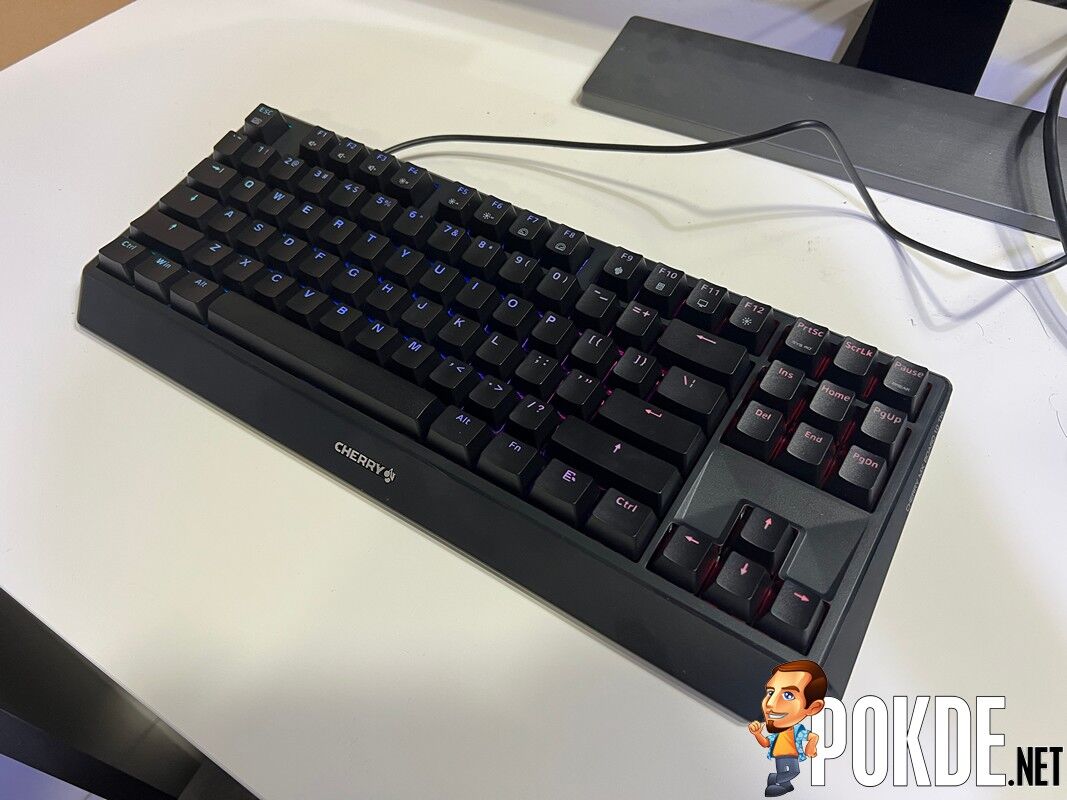
For our review unit, we received the one with RGB backlighting which is a nice touch but it’s a little too dim for my liking. It’s not so dark at full brightness that you can’t see them but competitors clearly have it at least a couple of notches brighter and with fancier animations. Perhaps a different set of keycaps could give that much needed shine. If you just want some form of backlighting, it’s fine but otherwise, I would recommend saving money and go for the non-backlighting variant.
Lastly, the keyboard itself is very simple in nature, and while this could mean that it’s straightforward to use, it also means that it’s lacking in features that its competitors have. Media controls aside, other mechanical keyboards could come with fancy LED lights, extra macro keys, and more. Whether this holds weight or not would depend on your needs in a keyboard.
CHERRY MX BOARD 1.0 TKL Verdict
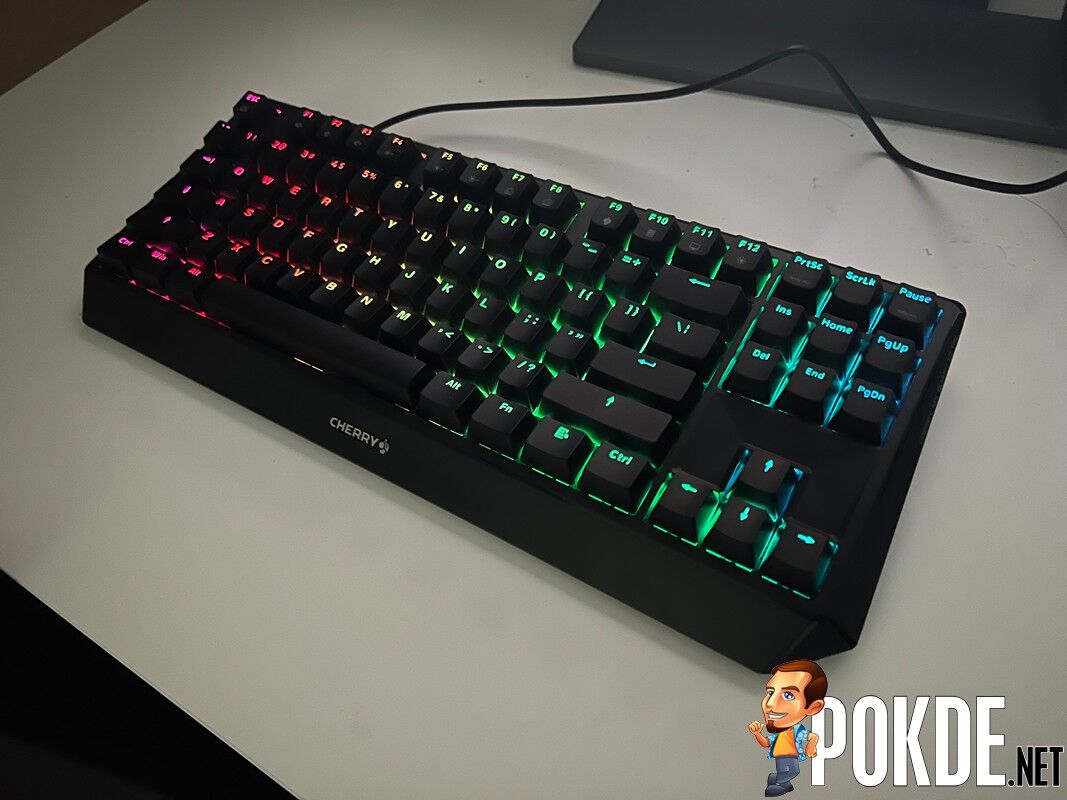
If you’re looking for a simple mechanical keyboard that works, the CHERRY MX BOARD 1.0 TKL can do exactly that and save some desk space while you’re at it. Other keyboards may have fancier features but with reliability and a relatively affordable retail price of RM369, it’s worth considering. You can always go for the non-backlighting variants at RM269 and RM289 for black and white respectively.
At the end of our CHERRY MX BOARD 1.0 TKL review, I award this mechanical keyboard with our Silver Pokdeward.

Big thanks to Fusion Tech and CHERRY Malaysia for sending us this mechanical keyboard for the purpose of this review.



![[UPDATED: Statements] Forza Horizon 6 Dev Drops Multi-Millennial Ban Hammer To Cheater Before The Game Has Even Released - 70](https://cdn.pokde.net/wp-content/uploads/2026/05/12022254/fh6leakpermabancover-420x280.jpg "[UPDATED: Statements] Forza Horizon 6 Dev Drops Multi-Millennial Ban Hammer To Cheater Before The Game Has Even Released - 71")


