


Google Chrome Gets Three New Generative AI Features
Google Chrome Gets Three New Generative AI Features
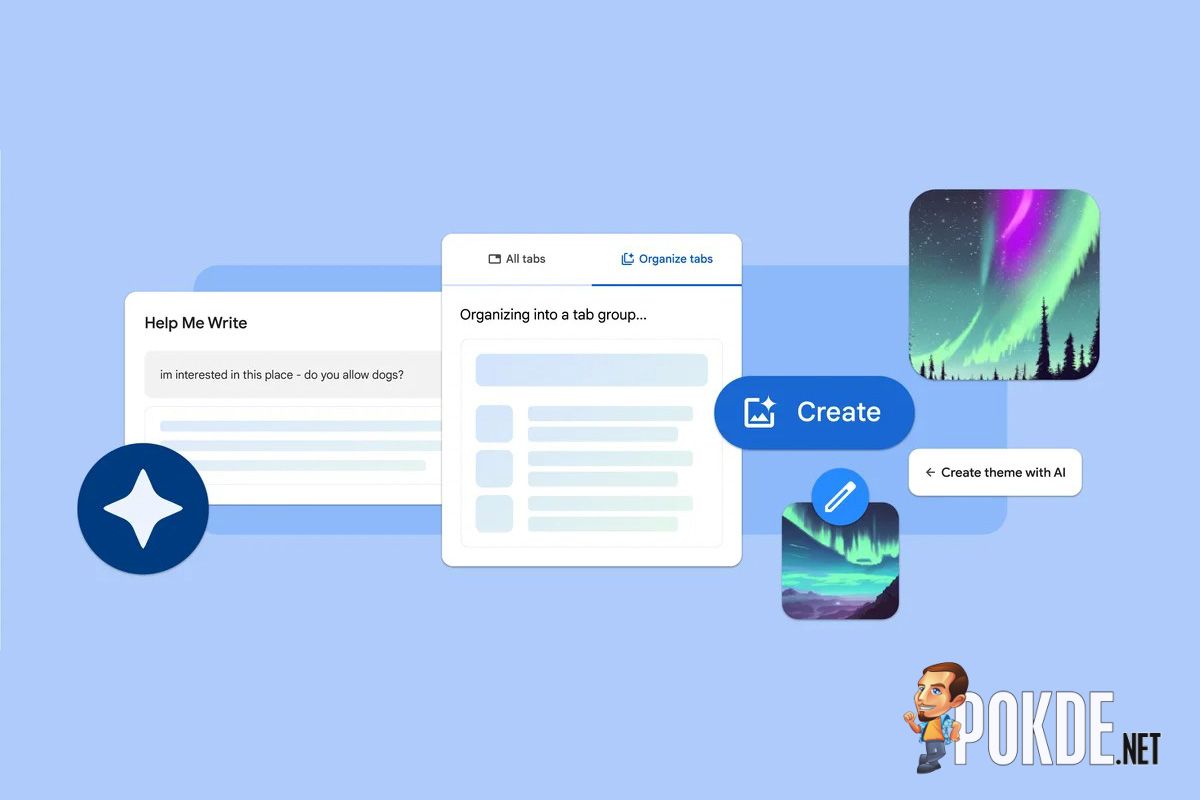
If you’re one of those people anticipating what kind of special sauce AI would bring to Google’s web browser, you now have an answer – the new Chrome v121 update brings three new features utilizing generative AI, including tab organizing, theme generation, and helping you draft texts.

As with AI features, Google is taking a cautious approach by first labeling them as experimental. You’ll be able to access these new features under the “Experimental AI” section of the Chrome Settings, though I haven’t seen that option available on my machine just yet. Google does note that it’ll take a few days for feature rollout, starting from US regions. However, these features are disabled for enterprise and educational accounts for now, due to their experimental nature.

The first feature is the Tab Organizer, which builds on top of the Tab Groups feature. Arranging these tabs is a manual process, which wouldn’t be convenient if one has more than 50 tabs open (PSA: please clean up your tabs), so this is where AI steps in and does the sorting work for you. Just right-click on a tab (or click the dropdown arrow) and select “Organize Similar Tabs”, and it’ll group tabs based on topics.
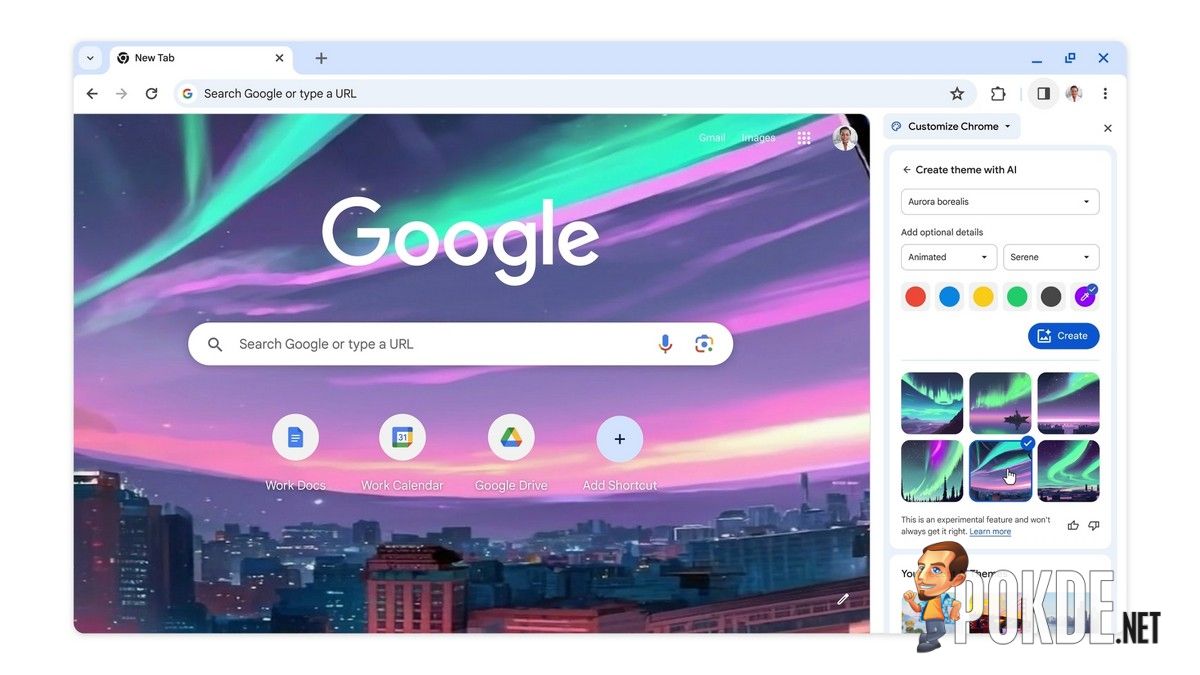
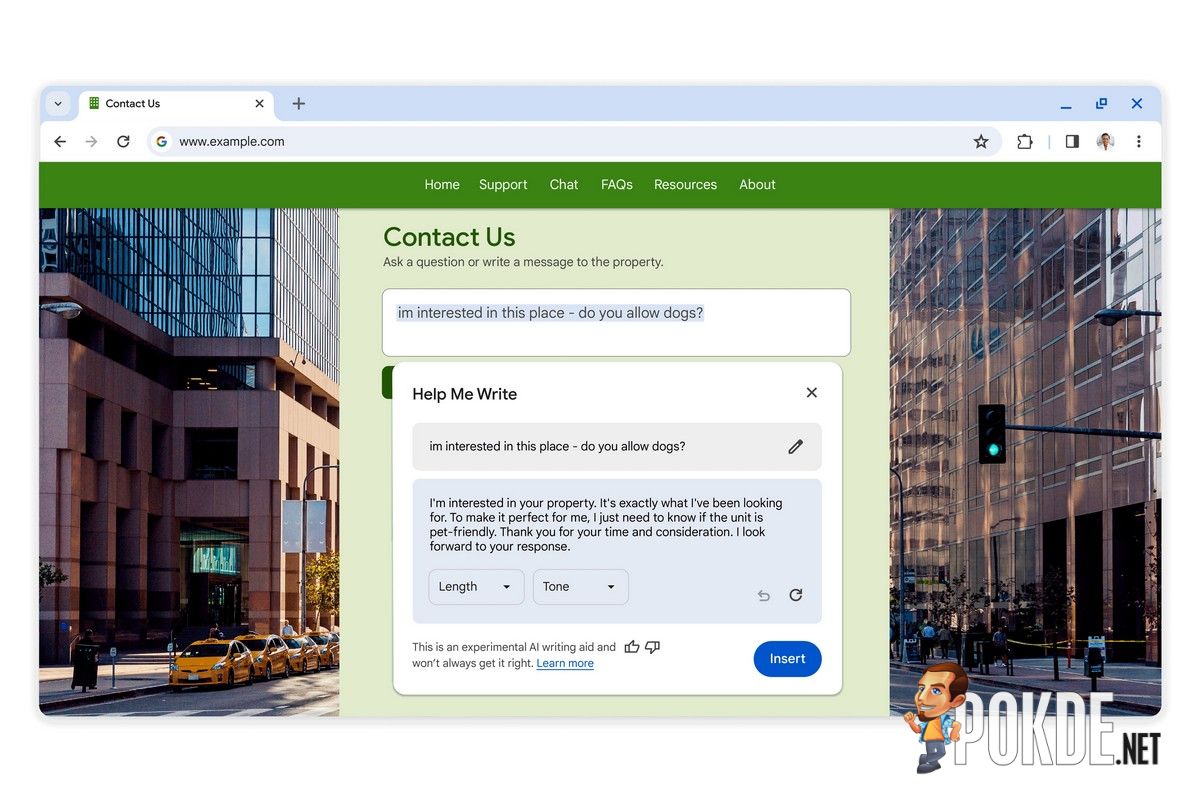
The next one is more of a cosmetic option – if you don’t have any concrete ideas on how your new tab page should look, you can call in the generative AI wallpapers. Click on the “Customize Chrome” side panel, then select “Change Theme” and “Create with AI.” Play around with the options available, and just select whichever look you like. Finally, for those struggling to write formal letters or inquiries, the “Help Me Write” function will get the ball rolling – Google says you just need to type in a few words and let AI figure out the rest.
Pokdepinion: These feature should be pretty helpful for some people.





![[UPDATED: Statements] Forza Horizon 6 Dev Drops Multi-Millennial Ban Hammer To Cheater Before The Game Has Even Released - 64](https://cdn.pokde.net/wp-content/uploads/2026/05/12022254/fh6leakpermabancover-420x280.jpg "[UPDATED: Statements] Forza Horizon 6 Dev Drops Multi-Millennial Ban Hammer To Cheater Before The Game Has Even Released - 65")


