


Razer Kiyo Pro Review – Quality Comes At A Price
-
Appearance - 8.5/10
8.5/10
-
Features - 8.5/10
8.5/10
-
Materials - 7.5/10
7.5/10
-
Performance - 8/10
8/10
-
Portability - 8/10
8/10
-
User Experience - 8.5/10
8.5/10
-
Value - 7/10
7/10
Summary
The Razer Kiyo Pro is a great webcam and given how its predecessor performed, it’s definitely a big surprise for Razer to produce a webcam of this caliber.
Overall
8/10Pros
+ Great video quality
+ Good customization options
+ Optional privacy cover included
+ Detachable USB-C cable
+ Versatile
+ Has HDR
+ Full HD 60FPS recording
Cons
– Pricey
– Autofocus issues when it’s a bit dark
Unboxing the Razer Kiyo Pro
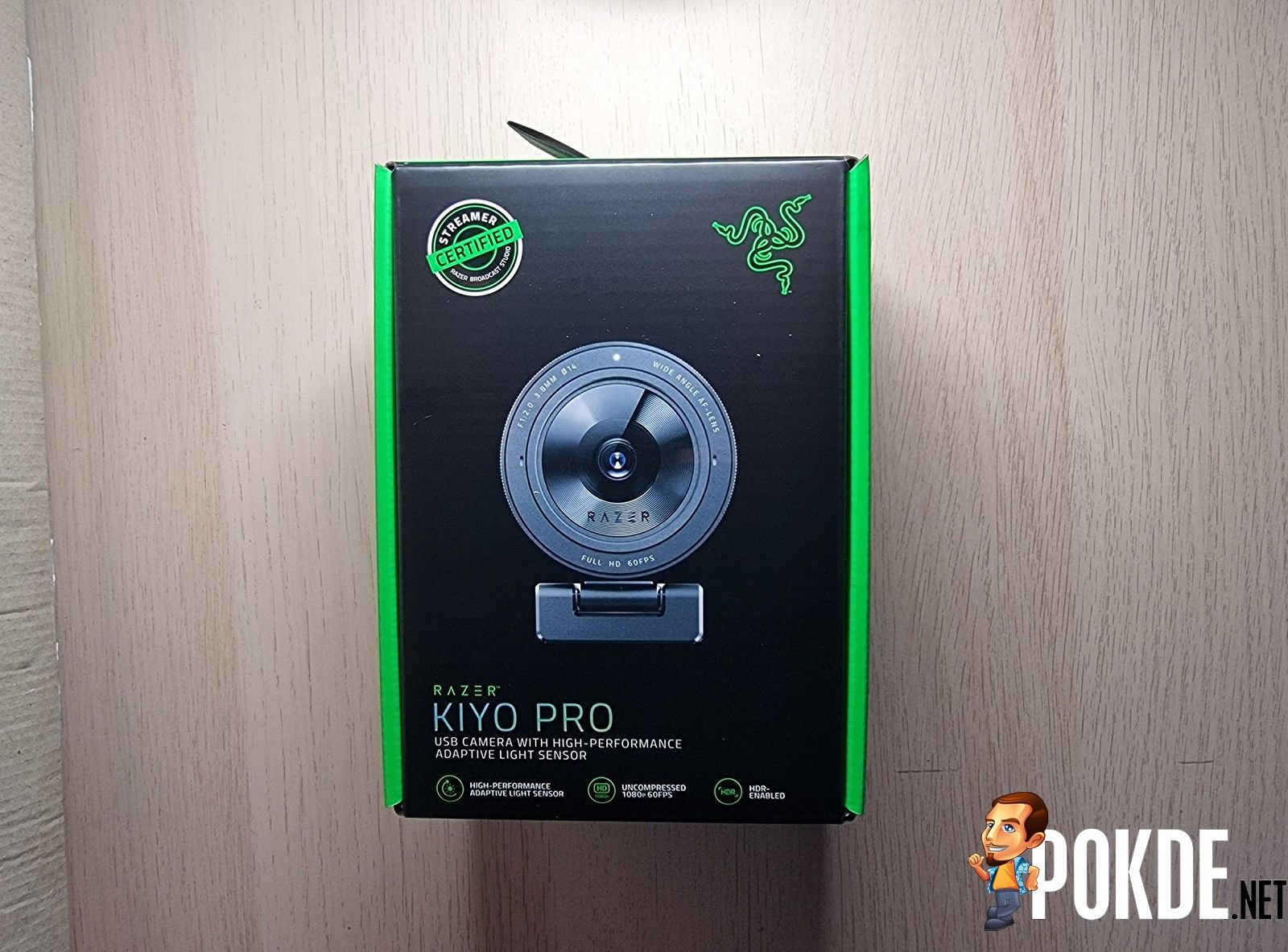
Inside the box of the Razer Kiyo Pro, you will be able to find the following items:
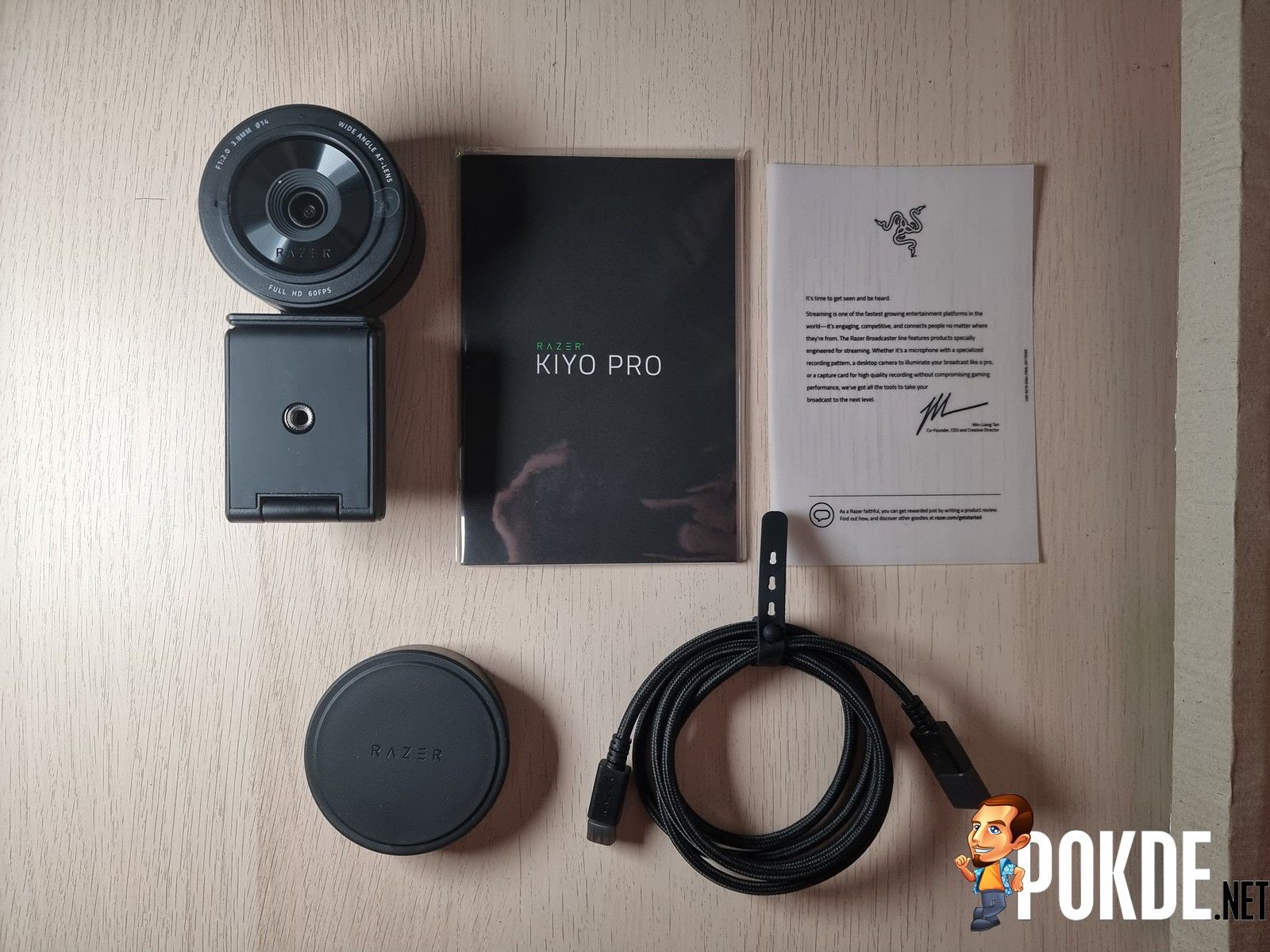
- USB-C to USB-A cable
- User guide
- Thank you note
- Privacy cover
- The Razer Kiyo Pro webcam itself
Appearance
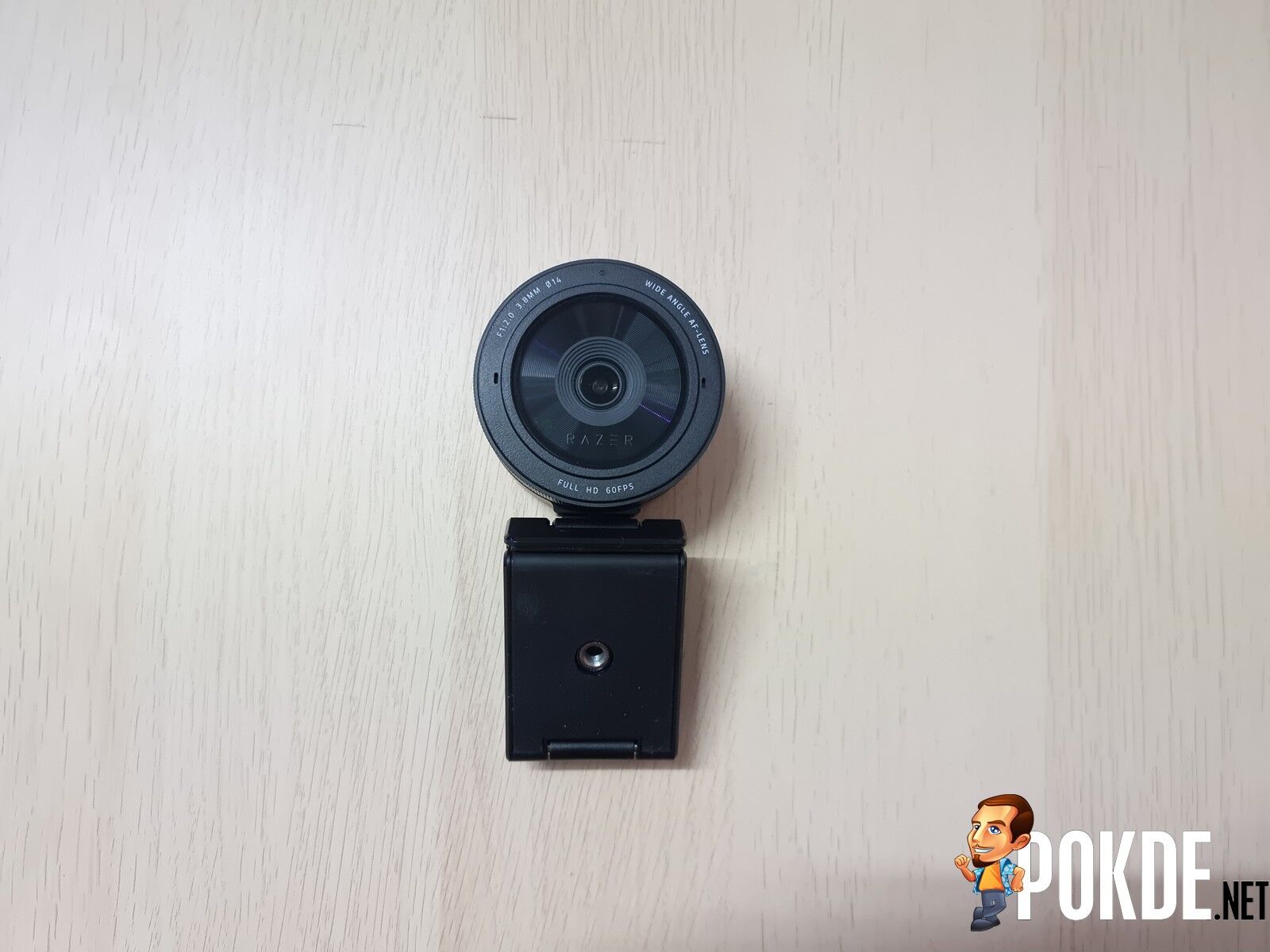
The Razer Kiyo Pro doesn’t look like your typical webcam. In fact, it looks more like a DSLR lens rather than a webcam given its large, circular figure. From the front, you can see a rather large 1/2.8-inch sensor, some text highlighting the webcam’s specs, and even the Razer logo in side the glass. The bottom part of the webcam is where the flexible mount is, and it can be folded, unfolded, or positioned at an angle.
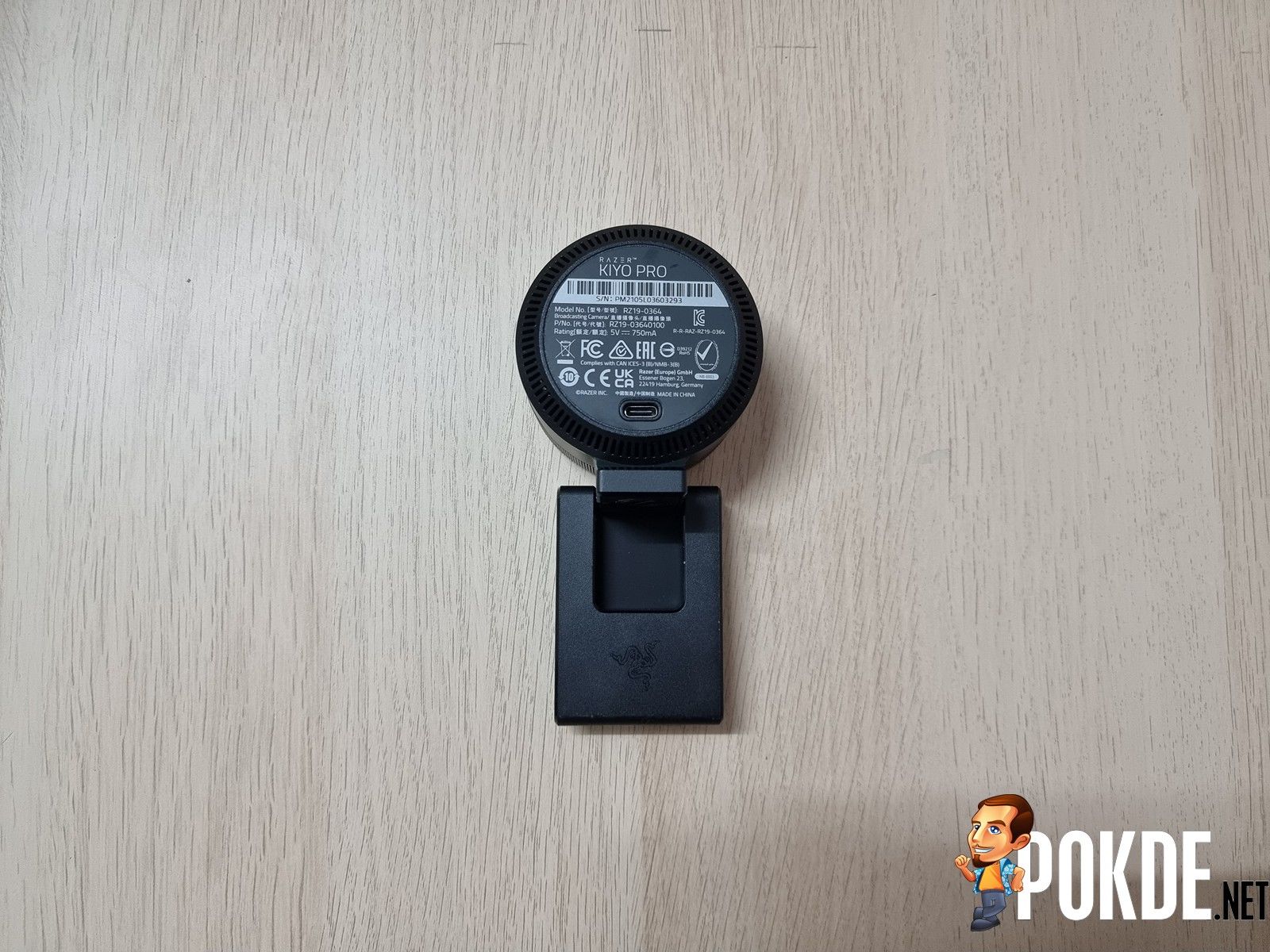
Moving to the rear, you have the USB-C port and a bunch of product details. You can twist the webcam around, so in this part, you can see Razer’s triple-headed snake logo where the mount is.
Overall, it’s a surprisingly large webcam that looks more like a camera lens than anything else. As you can tell, it doesn’t follow the path that its predecessor took with a built-in ring light but it’s said that it doesn’t need it anyway. Let’s see if it can prove that claim true or not.
Specifications
| Connection Type: | USB3.0 (USB-C) |
| Image Resolution: | 2.1MP |
| Video Resolution: | 1080p @ 60/30/24FPS / 720p @ 60FPS / 480p @ 30FPS / 360p @ 30FPS |
| Video Encoding: | H.264 |
| Still Image Resolution: | 1920×1080 |
| Image Quality Settings Customizations: | Yes, via OBS, XSplit, and Razer Synapse |
| Diagonal FOV: | 103°, 90°, 80° |
| Focus Type: | Auto |
| Microphone: |
|
| Mounting Options: | L-shape joint and Tripod |
| Cable Length | 1.5m |
User Experience
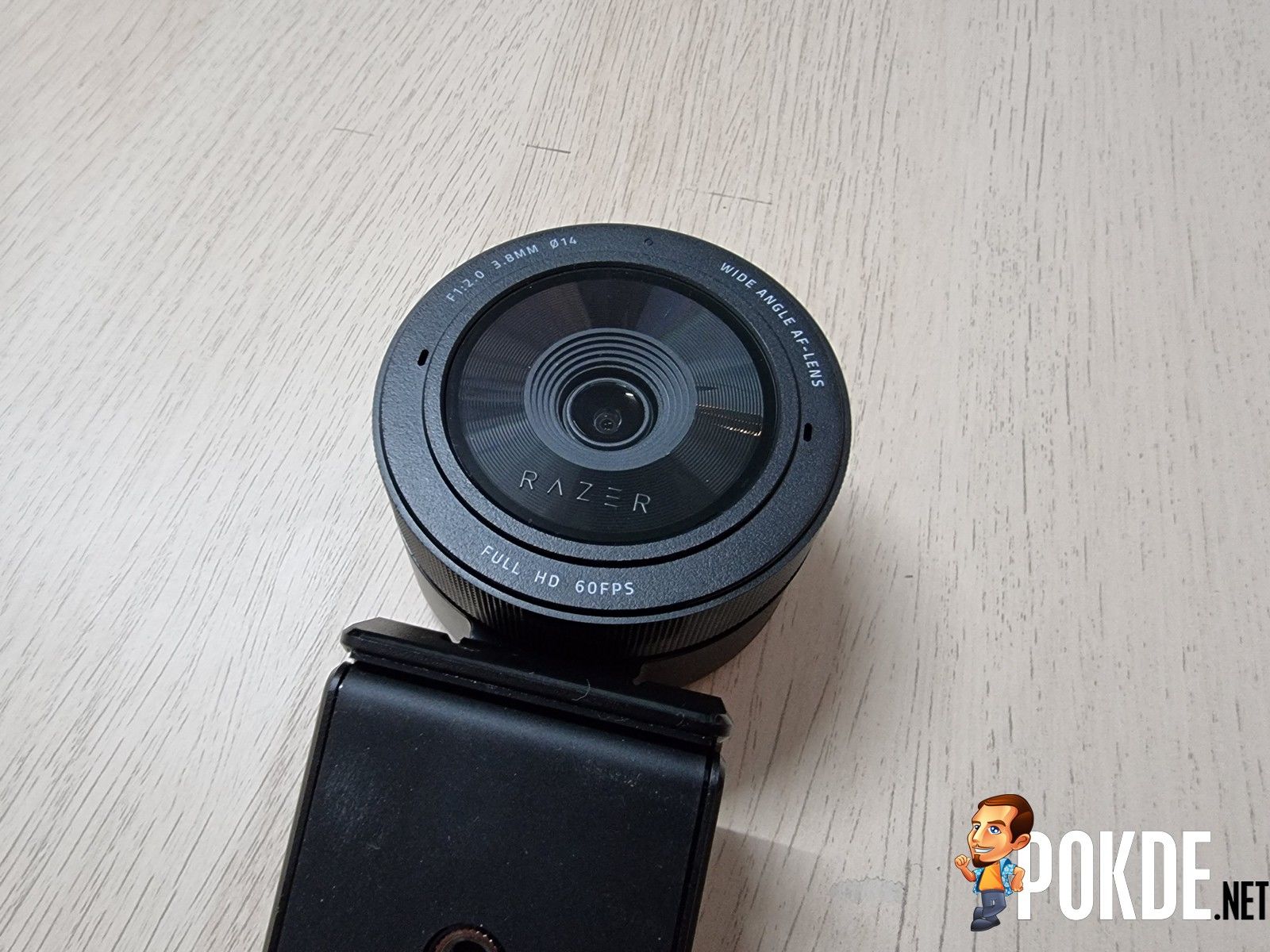
Setting up the Razer Kiyo Pro is pretty easy and straightforward. All you have to do is simply connect to your PC via USB and you’re good to go. You don’t actually need to install Razer Synapse to customize it either as you can do so via OBS Studio. Preferably, you should connect it to at least a USB 3.0 port so you won’t run into limitations or compatibility issues.
As far as how well it works, I’m honestly amazed by it. If you’ve read my review of the original Kiyo, it wasn’t good and definitely far away from competing against the likes of Logitech even with the ring light. This time, I’m very confident that Razer has created a great quality webcam. It can capture good visuals even when I don’t have my room light on. Granted my room isn’t too dark as there will still be light from the monitor, it’s still far from ideal. Needless to say, it will look better when my room light is on as noise is less apparent.
If you want to compare this to the original Razer Kiyo, click right here.



For those of you who are wondering, it can record videos up to Full HD 60FPS but if you want HDR recording, the frame rates will be limited to 30FPS. As for still images, the resolution will go as high as 1920×1080. You have 3 different FOVs that you can utilize which makes it rather versatile if you need to use it from a distance or with multiple people; 103°, 90°, and 80°.
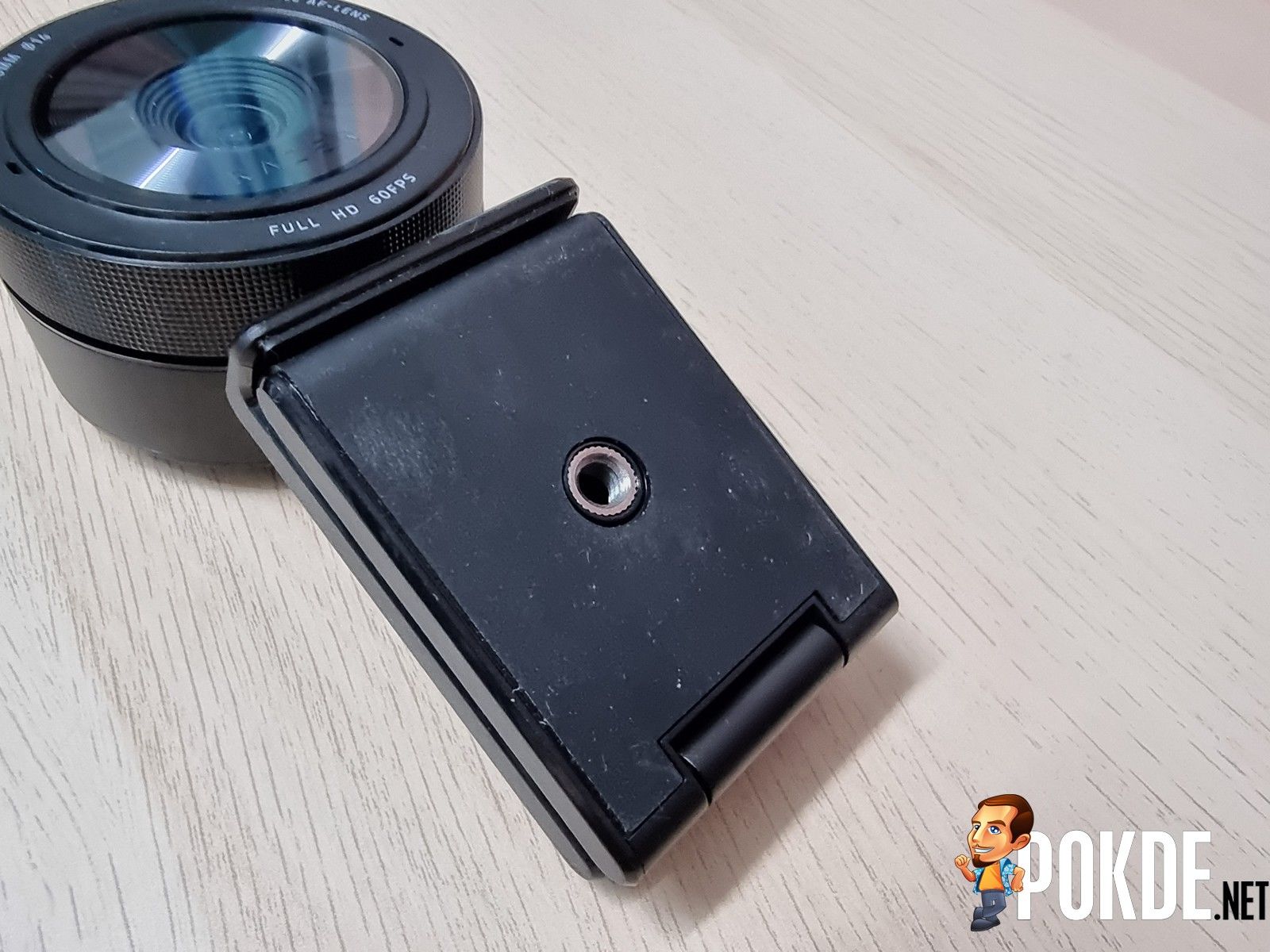
For added versatility, you can mount the webcam on your monitor, on a tabletop stand, and a tripod stand given its flexible mounting options. It also has a built-in directional stereo microphone array for convenience. Inside the box, there is a separate privacy cover in case you’re worried about someone possibly spying on you.
Razer Kiyo Pro Verdict
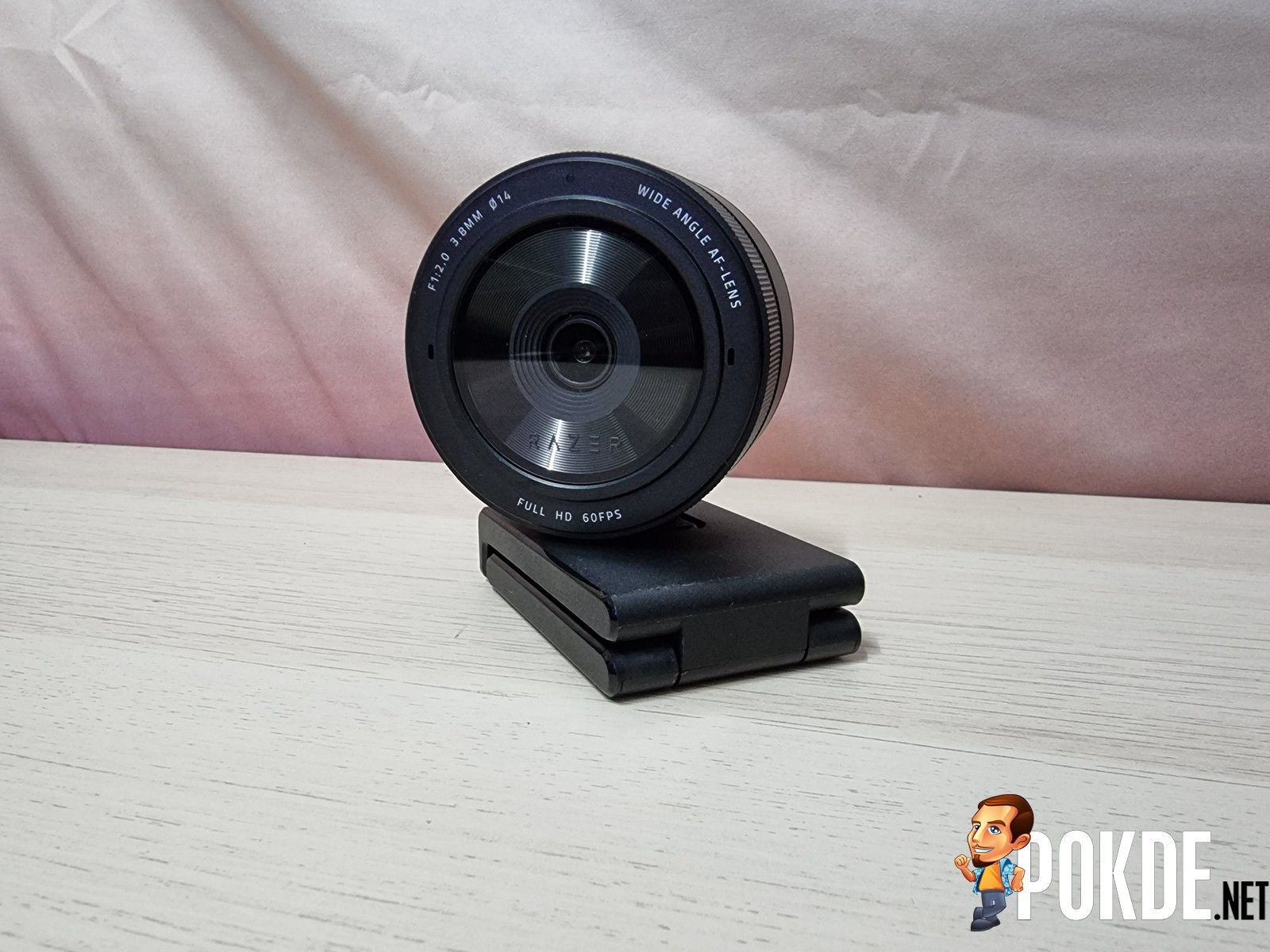
The Razer Kiyo Pro is a great webcam and given how its predecessor performed, it’s definitely a big surprise for Razer to produce a webcam of this quality and caliber. You get great video quality, good customization settings, an optional privacy cover included, detachable cable, and versatility. If there’s one thing that will set this webcam back, it’s the retail price as it’s set at RM1,149, which is quite pricey for a webcam. But if you have the money to spend, this will definitely be one to satisfy your needs whether it’s for streaming or work.
At the end of our Razer Kiyo Pro review, I award this webcam with our coveted Gold Pokdeward.

Big thanks to Razer Asia Pacific for sending us this webcam for the purpose of this review.


![[UPDATED: Statements] Forza Horizon 6 Dev Drops Multi-Millennial Ban Hammer To Cheater Before The Game Has Even Released - 66](https://cdn.pokde.net/wp-content/uploads/2026/05/12022254/fh6leakpermabancover-420x280.jpg "[UPDATED: Statements] Forza Horizon 6 Dev Drops Multi-Millennial Ban Hammer To Cheater Before The Game Has Even Released - 67")


